How to Manage Workforce When Most Employees Don't Have Smartphones?


You manage teams across shifts and locations, but many of your employees don't have smartphones. Some use flip phones. Others have smartphones but won't install work apps on personal devices. Many don't have company email addresses or reliable internet access. When your scheduling software requires downloads and logins, large parts of your workforce get left out.
This is daily reality for HR and operations leaders in manufacturing, logistics, construction, and hospitality. The solution isn't finding fancier software, but using communication methods your employees already have access to. This article covers practical ways to handle schedules, call-offs, safety alerts, and compliance documentation when you can't assume everyone has the right device.
TL;DR
- If most employees don’t have smartphones, app-based workforce tools leave large gaps in communication
- SMS works on every phone, including flip phones, with no downloads, logins, or internet required
- Text messaging handles schedules, call-offs, safety alerts, and onboarding faster than apps or email
- Centralized SMS platforms keep records organized for compliance, audits, and disputes
- Yourco delivers all of this through an SMS-first platform that reaches every worker, keeps communication centralized, and turns everyday messages into visibility for managers
Use SMS to Reach Every Phone, Including Flip Phones
Text messaging works on every mobile phone made in the last three decades. Unlike apps that require smartphones, downloads, and data plans, SMS arrives as a standard text message on any device. The warehouse supervisor with the latest iPhone and the seasonal worker with a prepaid flip phone both receive the same message the same way.
Here’s how SMS helps manage employees when they don’t have smartphones:
Send Schedule Changes and Shift Reminders Instantly
Shift-based operations depend on fast, reliable schedule communication. When overtime opens up, the employees who want extra hours need to know before the shift starts. When a supervisor reassigns someone to a different location, that worker needs the update before they drive to the wrong site. When schedules change for the week, everyone affected needs to see the new times.
Without smartphones, traditional scheduling apps don't work. But SMS handles these scenarios without requiring any special device:
- Shift reminders that prevent no-shows: A text the evening before, "Reminder: You're scheduled for 7 AM tomorrow at the downtown warehouse," reduces missed shifts because employees don't have to remember to check an app they may not have.
- Instant schedule updates: When plans change, one message reaches everyone affected in seconds. No waiting for people to log into a portal or hoping they check their email.
- Overtime and open shift notifications: "Need coverage for Saturday 6 AM shift. Reply YES if interested." The message goes out to qualified employees, and the first response gets the shift. What used to take an hour of phone calls happens in minutes.
- Location and assignment changes: When a crew member needs to report to a different job site, they get a text with the address. No confusion, no wasted trips to the wrong location.
Employees receive these updates on whatever phone they have. The information reaches them where they already are, rather than waiting in a system they can't access.
Handle Call-Offs and Absences Without Phone Tag
When an employee can't make their shift, the traditional process wastes time for everyone. The worker calls a hotline and leaves a voicemail. A supervisor checks messages an hour later. Someone starts making calls to find coverage. By the time the scramble ends, half the shift has passed.
SMS creates a faster, documented process that works on any phone:
An employee texts "Can't make my 6 AM shift, sick" and the message goes directly to their supervisor and HR. No voicemail, waiting for someone to answer, or questions about whether the message was received. The absence is documented with a timestamp the moment it's sent.
Supervisors can respond immediately to start finding coverage. "Thanks, feel better. I'll find someone to cover." Then a broadcast goes out to available employees asking who can pick up the shift.
This approach eliminates the problems of traditional call-off systems:
- No unreturned voicemails sitting in a queue
- No supervisors playing phone tag with employees at 5 AM
- No disputes about whether someone actually called in
- No scrambling to document absences after the fact
The employee uses basic texting they already know how to do. The organization gets faster notification and automatic documentation.
Deliver Safety Alerts and Emergency Updates Reliably
When severe weather threatens a job site, a facility needs evacuation, or a safety incident requires immediate communication, you can't wait for people to check an app. Time-sensitive alerts need to reach every affected employee instantly.
App notifications fail here for the same reasons apps fail generally: they only reach employees who have smartphones, have downloaded the app, and have notifications enabled. That might be half your workforce on a good day.
SMS reaches everyone. When you send an emergency text, it arrives on every phone, flip phone or smartphone, within seconds.
This reliability matters for:
- Weather closures and delays: "Plant closed today due to weather. Do not report. Check back for updates." Everyone gets the message before they leave home, regardless of what phone they carry.
- Evacuation alerts: When minutes matter, you can't rely on a communication method that misses a large number of your workforce.
- Safety incidents and hazard warnings: Immediate notification about spills, equipment malfunctions, or site hazards reaches everyone who needs to know.
- Return-to-work updates: After an emergency, confirming when and where to report keeps everyone coordinated.
For safety communication, reach is the difference between everyone getting the warning and someone walking into a hazard because the alert sat in an app they never check.
Create Compliance Records Without Paper Sign-Off Sheets
HR and operations leaders need to prove communication happened. When OSHA asks about safety training notifications, a policy dispute goes to arbitration, or auditors want to see benefits enrollment communications, you need documentation showing who received what and when.
Paper sign-off sheets get lost, and they only capture employees who were physically present. Email records only cover workers who have email accounts. App-based acknowledgments only include the fraction who actually use the app. You end up with incomplete documentation and no way to demonstrate compliance.
SMS through a centralized platform creates automatic records without requiring smartphones:
- Delivery confirmation: The system logs when each message was sent and which phone numbers received it. If someone claims they never got the safety alert, you can show exactly when it reached their phone.
- Response tracking: When employees reply to confirm they've read a policy or acknowledge a schedule, those responses are archived. "Reply YES to confirm you've read the updated safety procedures" creates documented acknowledgment from every employee who responds.
- Audit-ready history: Pull communication records by employee, date, or topic. Show exactly what went out to the night shift about the new lockout/tagout procedure. Demonstrate that every warehouse employee received the benefits enrollment deadline.
Employees just send and receive normal texts on whatever phone they have. The compliance documentation builds automatically in the background, available whenever you need it.
Communicate Across Languages Without Translation Delays
SMS platforms like Yourco offer automatic translation and let managers write one message that employees receive in their own language. No manual translation, no relying on bilingual coworkers, no delays. Everyone gets the same information at the same time.
Translation happens before the message is sent, so it works on any phone. An employee with a flip phone receives the text already in Spanish, Vietnamese, or Haitian Creole. With support for 135+ languages and dialects, one message reaches your entire workforce without extra steps.
Get New Hires and Seasonal Staff Connected Immediately
High-turnover industries can't afford long onboarding cycles for communication tools. When a new hire starts at 6 AM, they need to receive shift updates that same day. When seasonal staff arrive for the holiday rush, you can't spend a week getting them set up on your employee app.
SMS requires zero setup on the employee side. Add their phone number to your system and they start receiving messages immediately.
A new employee with a flip phone is fully connected to workforce communications from their first shift. They receive the same messages as tenured employees without any gap period where they miss important updates.
This immediate connectivity matters especially for:
- Seasonal and temporary staff: Workers who might only be with you for three months don't need to invest time learning a new platform. They receive texts, reply to texts, and stay informed throughout their assignment.
- High-turnover roles: When average tenure is measured in months, communication systems need to work on day one, not after a week of setup and training.
- Less tech-comfortable workers: Some employees struggle with apps and logins. Text messaging is something they already know how to do.
The question isn't whether employees can eventually figure out your communication system, but whether they can use it right now, on whatever phone they have.
Keep Everything Centralized While Keeping It Simple
One concern with text-based communication is that when supervisors text employees from personal phones, messages are scattered across devices with no central record. That creates problems for documentation, consistency, and oversight.
The solution is a platform that delivers messages via SMS while keeping everything organized in one system. Managers send communications through a dashboard. Employees receive normal texts on whatever phone they have. All messages, responses, and records live in one place where leadership can see what's happening.
This gives you visibility without requiring smartphones:
- Complete message history searchable by employee, location, or date
- Response tracking showing who received and acknowledged messages
- Segmentation by department, shift, role, or location for targeted communication
- Consistent records across all supervisors and teams
The employee experience stays simple. They receive texts and respond to texts using any phone. The organization gets the documentation and oversight it needs without asking workers to learn new technology or upgrade their devices.
Reach Your Entire Workforce With Yourco
Managing a workforce without smartphones comes down to one question: how do you reach everyone? Not just the employees with the right devices, but the ones with flip phones, prepaid plans, and no company email. And not just the tech-comfortable workers, but the new hires who start tomorrow and the veterans who've used the same phone for ten years.
Yourco delivers workforce communication via SMS to any phone. Messages reach employees in seconds and get read within minutes. Automatic translation in over 135+ languages and dialects ensures everyone receives information they can understand. Managers get full visibility through centralized dashboards while employees just send and receive texts on whatever device they have.
The result is fewer missed shifts, faster responses to schedule changes, reliable safety communication, and complete compliance documentation, all without requiring your workforce to have smartphones.
Teams using Yourco see real engagement gains fast. After 90 days, two-way employee engagement increases to 86%, showing that when communication works on every phone and feels easy to respond to, employees actually participate.
Yourco also helps you understand what’s happening across your workforce. By analyzing message delivery, response patterns, and engagement trends, Yourco’s Frontline Intelligence turns everyday SMS communication into clear signals about safety risks, staffing gaps, and disengagement before they become problems. That visibility allows leaders to act earlier, make better decisions, and keep operations running smoothly, without adding new tools or extra work for frontline teams.
Try Yourco for free today or schedule a demo and see the difference the right workplace communication solution can make in your company.
Frequently Asked Questions
How do I communicate with employees who only have flip phones?
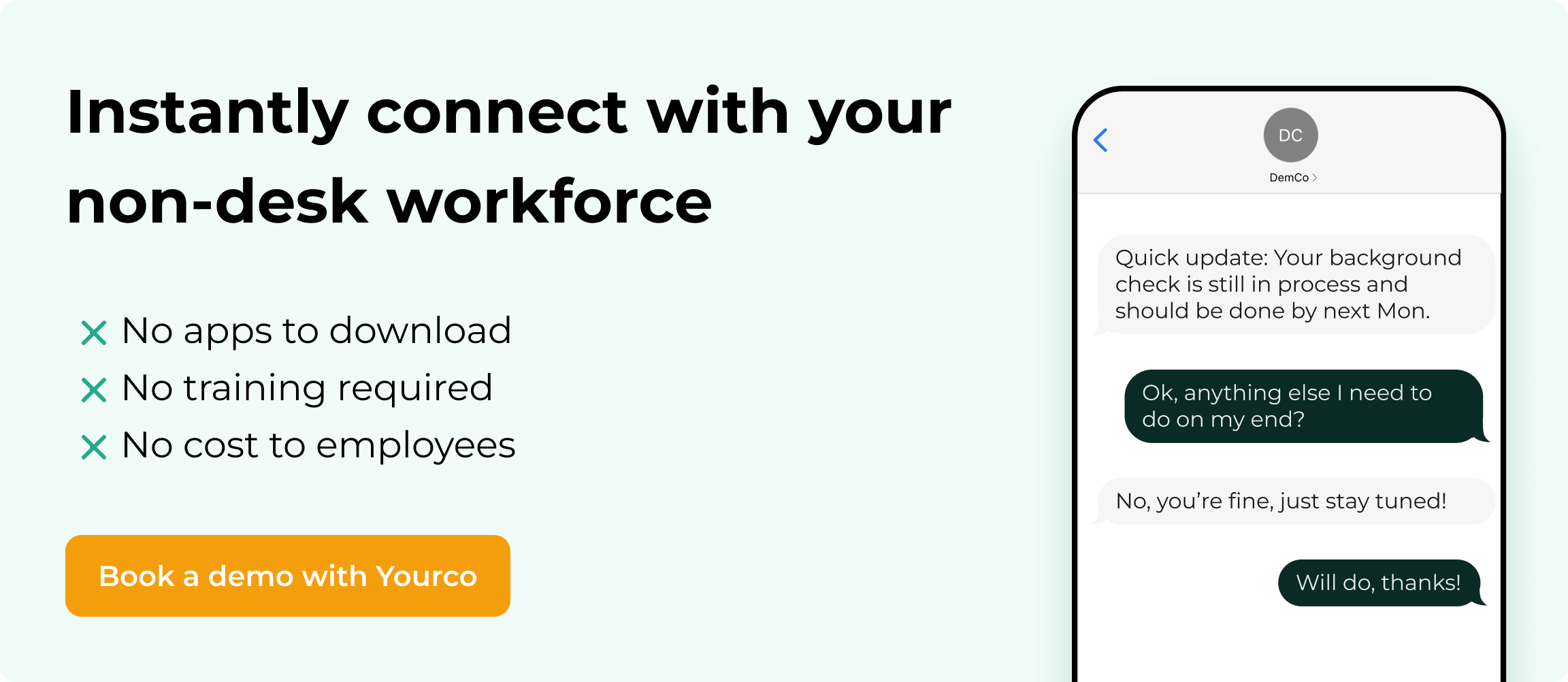
SMS text messaging works on any mobile phone, including basic flip phones. Messages arrive as standard texts without requiring apps, internet access, or technical skills. Employees receive and respond using the same texting they already do in their personal lives.
Can I prove that employees received important communications?
Yes. SMS platforms track message delivery, recording when each message was sent and which phone numbers received it. When employees reply to confirm they've read a policy or acknowledge a schedule, those responses are logged and archived for compliance purposes.
How does translation work for multilingual teams?
Managers write one message, and employees receive it in their preferred language automatically. Translation happens before the message is sent, so it works on any phone, including flip phones. No special device or app is needed to receive translated messages.
How do I keep records organized when multiple supervisors are sending messages?
Centralized platforms route all messages through one system rather than personal phones. Every message from every location gets logged in one place. Leadership can see communication across all teams without messages scattering across individual devices.