


When a shift needs to be filled in 30 minutes and half your team doesn't check email, you need a communication method that actually reaches them. Frontline workers in healthcare, manufacturing, hospitality, and logistics often lack company email or desk access, making traditional scheduling communication ineffective. Healthcare research shows that automated SMS reminders reduce no-shows, and the same approach transforms shift scheduling. This guide walks through seven practical steps to set up SMS shift alerts that reach every worker and keep your operation running smoothly.
TL;DR
- Choose an SMS platform with built-in TCPA and GDPR compliance features before sending a single text.
- Secure explicit employee opt-in consent during onboarding and maintain separate consent records.
- Create short, personalized shift templates under 160 characters with clear response options (YES/NO/SWAP).
- Set up automated triggers for schedule events, confirmations, and escalation workflows.
- Enable two-way SMS confirmations so workers can accept, decline, or swap shifts instantly.
- Connect your SMS platform to existing HRIS and payroll systems for real-time data sync.
- Test delivery across carriers and device types before full deployment.
- Track confirmation rates, opt-outs, and coverage fill times to optimize performance.
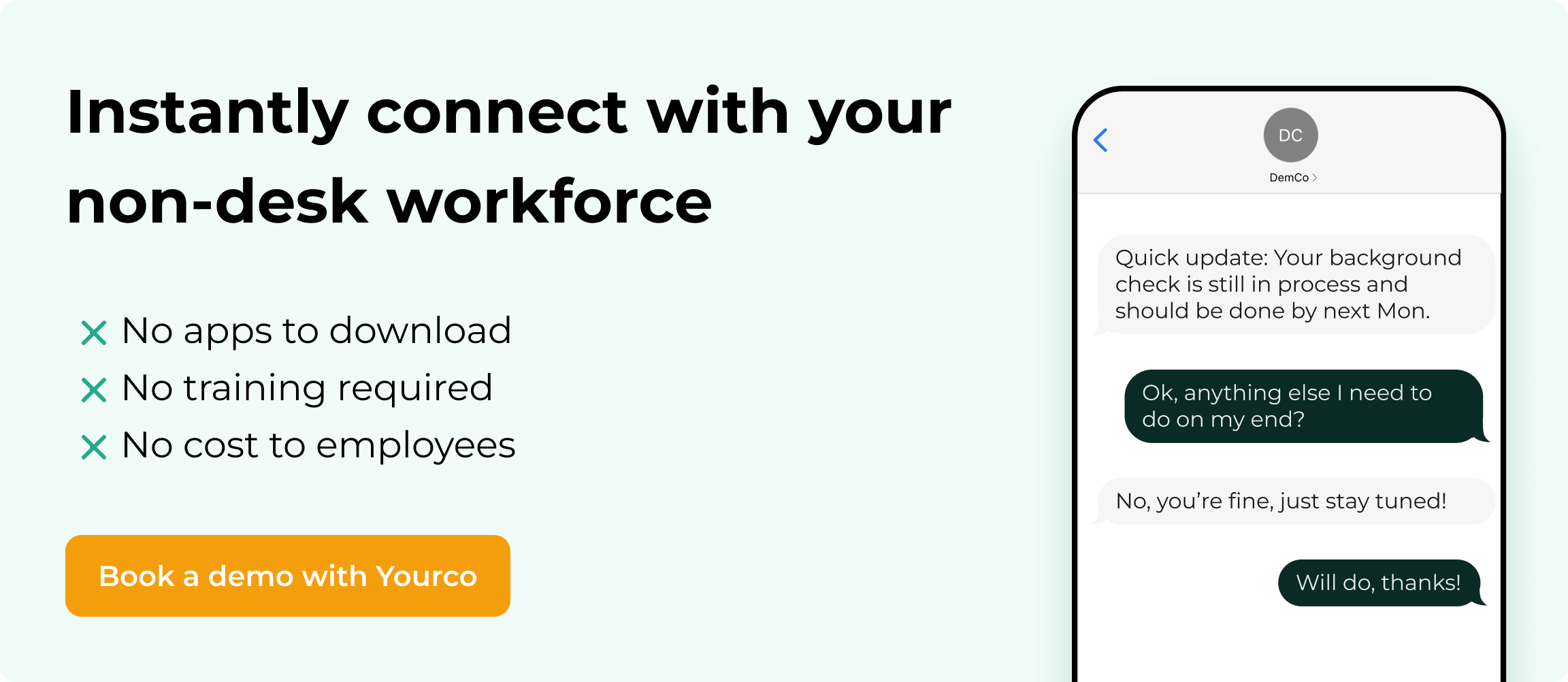
- SMS-based tools such as Yourco simplify shift scheduling by reaching every phone instantly, with no app downloads, Wi-Fi, or smartphones required.
Step 1: Make SMS Opt-In Part of Your Onboarding Process
The easiest way to manage SMS compliance is to build it directly into your onboarding workflow. Many organizations include a simple SMS consent acknowledgment alongside standard new hire paperwork. When handled upfront, opt-in management becomes a routine administrative step rather than a separate compliance project.
During onboarding, clearly communicate which types of messages employees will receive (e.g., shift updates, schedule changes, coverage requests), how often they can expect to receive them, and how to opt out if needed. Capture consent with a timestamp and store it with your SMS records. Once this process is standardized, ongoing compliance becomes straightforward and easy to maintain.
This information is for general awareness only. For specific compliance guidance, consult with qualified legal professionals.
Step 2: Create Shift Templates That Get Fast Responses
Effective shift scheduling messages stay under 160 characters to avoid message splitting and increased costs. Lead with specific shift details, include mandatory response options, and add TCPA-required instructions.
Standard shift confirmation:
Hi [Name], you're scheduled [Date] [Start]-[End] at [Location]. Reply YES to confirm or NO if unavailable.
Urgent coverage request:
URGENT: Need [Role] coverage for [Date] [Time]. Overtime approved. Reply YES if available.
Personalized messages that use the worker's name and specific shift details generate higher response rates than generic broadcasts. Research shows that personalized messages demonstrate significantly higher engagement than generic ones.
Best Practice: A/B test message variations to identify which templates generate the fastest responses.
Common Mistake: Including URLs or special characters that trigger carrier spam filters.
Step 3: Set Up Automated Triggers for Schedule Events
Configure your system to automatically trigger notifications based on scheduling events. This removes administrative burden and ensures reliable, timely notifications.
These are the most critical events that should trigger automatic SMS notifications:
- New shift published: Send confirmation request within one hour
- Shift modification: Immediate alert when times or locations change
- Call-out received: Automatic broadcast to qualified backup workers
- No response escalation: Alert managers when confirmations aren't received within two hours
Setting up these automated triggers eliminates manual communication bottlenecks and ensures consistent notification timing.
Message timing matters. Response rates vary significantly based solely on delivery time. Schedule initial confirmations for 48 hours before shift start, with reminders at 24 hours and 4 hours if no response is received.
Best Practice: Set up escalation workflows when initial messages go unanswered for 2 hours.
Common Mistake: Sending too many automated messages, leading to worker fatigue and increased opt-outs.
Compliance requirements vary by jurisdiction. Organizations should work with legal counsel to determine appropriate notification practices.
Step 4: Enable Two-Way SMS Confirmations Workers Actually Use
Two-way confirmation transforms passive notification into active commitment. Research shows that text reminders significantly reduce no-show rates compared to no communication.
Design these simple, unambiguous response options:
- YES: Worker accepts shift; system updates schedule status
- NO: Shift flagged as vacant; manager notified; broadcast sent to backup workers
- SWAP: Initiates shift trade workflow
These three response options cover every scheduling scenario while keeping worker actions simple and clear.
When a worker replies YES, they should receive instant confirmation, closing the communication loop and creating audit documentation. This immediate acknowledgment reinforces the commitment and provides workers with a record of their confirmed schedule.
Best Practice: Send instant confirmation when a worker accepts a shift, closing the communication loop.
Common Mistake: Accepting free-form text responses that require manual interpretation.
Step 5: Connect SMS to Your Rostering and HRIS Systems
SMS scheduling works best as a communication layer on top of existing workforce management infrastructure. Integration should enable real-time bidirectional data flow: new hires automatically added to SMS lists, terminated employees removed, and worker responses updating shift status within seconds.
Your integration should handle these critical synchronization points:
- New hire onboarding: Employee phone numbers automatically added to SMS lists when HRIS records are created
- Termination processing: Numbers removed from active lists immediately upon separation
- Schedule updates: Changes in workforce management systems trigger automatic SMS notifications
- Response synchronization: Worker confirmations update shift status in real time, eliminating manual data entry
These integration checkpoints ensure your SMS system stays synchronized with your workforce data at all times.
Organizations using legacy systems without API access should look for SMS platforms offering batch file imports and scheduled data synchronization. Even without real-time integration, daily syncs prevent communication gaps.
For organizations using multiple scheduling tools, choose an SMS platform that syncs with your existing HR systems to prevent data inconsistencies. The best platforms offer real-time event notifications, webhook support, and bidirectional custom connectors to accommodate diverse technical environments.
Best Practice: Prioritize real-time, bidirectional sync so worker responses are reflected in scheduling systems immediately.
Common Mistake: Running integrations on daily batches creates delays that leave schedules out of sync during critical coverage windows.
Step 6: Test SMS Delivery Across Carriers and Devices
Before rolling out to your full workforce, verify messages reach workers across different carriers and device types. Frontline workers use everything from smartphones to basic flip phones.
Run comprehensive testing across these dimensions:
- Carrier compatibility: Major carriers (Verizon, AT&T, T-Mobile) and regional providers
- Device types: iOS, Android, basic phones with SMS-only capability
- Character encoding: Ensure special characters and names with accents display correctly
- Link rendering: If including URLs, confirm they're clickable on all device types
Testing across these variables prevents delivery surprises after full deployment.
Run a pilot with 10-20 employees representing different roles, locations, and device types. Track delivery success rates, response rates, and reported issues before expanding deployment. Document any delivery failures and work with your SMS provider to resolve carrier-specific issues before full deployment.
Best Practice: Include employees from different carriers and device types in your pilot group to catch delivery issues early.
Common Mistake: Testing only on smartphones, only to discover message display problems on basic phones after full deployment.
Step 7: Track Response Metrics and Optimize Performance
Monitor key response analytics to understand whether your SMS scheduling program is working.
Track these essential performance indicators:
- Confirmation response rate: Target strong confirmation rates within 24 hours
- Opt-out rate: Monitor for systemic issues if monthly opt-outs remain low
- No-show differential: Compare no-show rates between confirmed and unconfirmed shifts
- Coverage fill time: Time from call-out broadcast to confirmed replacement
These metrics reveal whether your SMS system is delivering operational value.
Build a simple dashboard tracking these metrics over time. Look for patterns. Departments with lower response rates may indicate that messages aren't reaching the right contacts. Opt-outs clustered around specific message types suggest adjustments to frequency or wording are needed. Coverage fill time comparisons across shifts reveal whether morning versus night shifts show different response patterns.
If response rates are low, test send timing adjustments or refine message wording.
Best Practice: Review metrics weekly during initial rollout, then monthly once stabilized.
Common Mistake: Tracking delivery rates without measuring actual confirmation responses.
Reach Every Shift Worker Instantly With Yourco
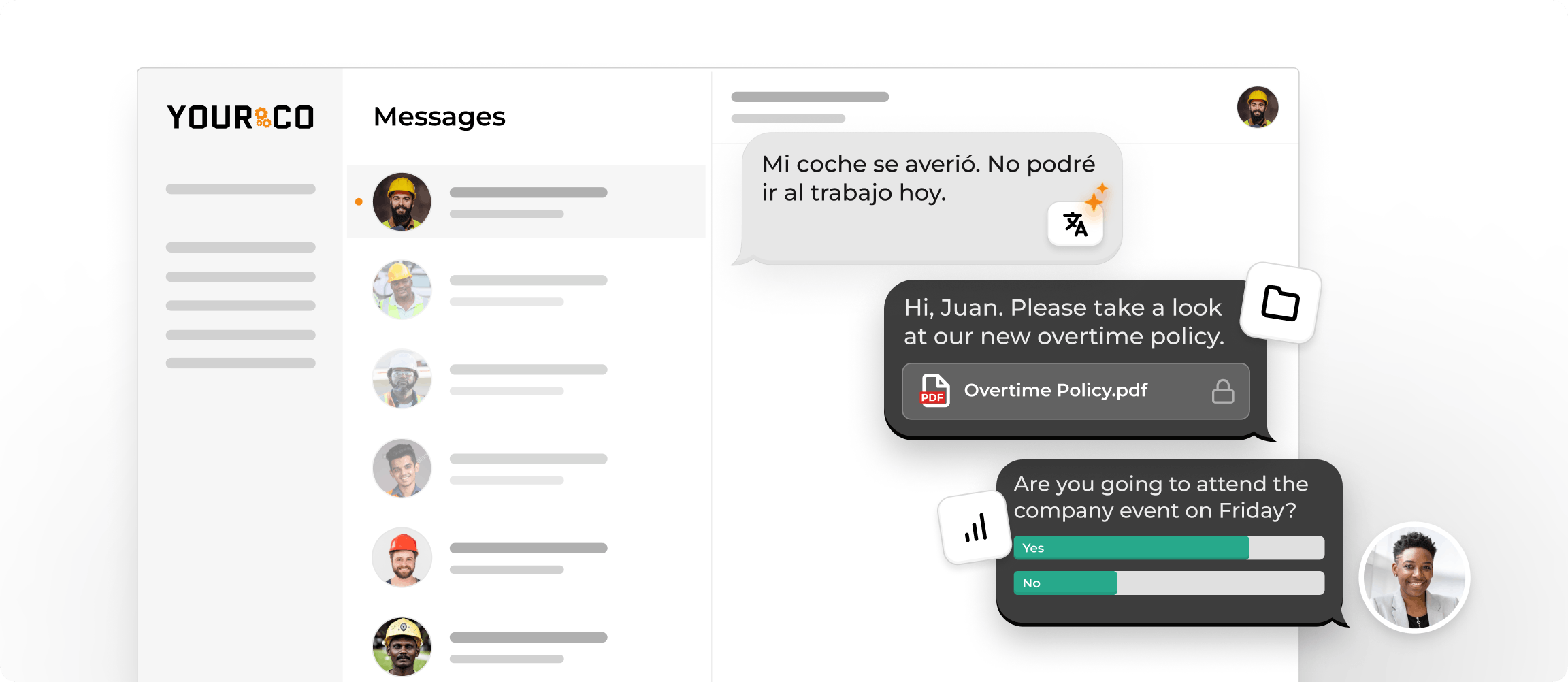
Getting shift schedules to frontline workers who don't have email or desk access requires a communication approach built for how these teams actually work. Yourco delivers SMS-based scheduling alerts that reach any mobile phone, smartphones and flip phones alike, without requiring app downloads or Wi-Fi access.
The platform enables two-way messaging so workers can confirm shifts, report call-offs, and request changes directly via text. AI-powered translation ensures every worker receives schedule information in the language they understand best across 135+ languages. Integration with 240+ HRIS integrations keeps employee contact lists automatically synced.
Organizations running 24/7 schedules find instant SMS communication essential for coordinating across all shifts, from weather event notifications to safety bulletins reaching everyone regardless of when they work.
"We're loving Yourco so far! We use Yourco's services for our absence management and for sending out notices, reminders, and event announcements to our employees. It keeps everyone who needs to know informed when people are absent. We also really like that we can schedule messages and receive notifications when someone messages the phone number. If you have multiple supervisors, it's nice to be able to set up notification settings so messages are only received at the times the supervisor has chosen. This is an amazing service that I recommend to anyone who wants to make improvements."
— Kyle Stover, HR Assistant, J-Lenco Inc.
"The Yourco texting system has helped the Railroad communicate with a 24/7 workforce. Sharing weather events, safety concerns and company bulletins have been priceless."
— Carl Kocur, Vice President, Engineering, New Orleans Public Belt Railroad
After 90 days of using Yourco, two-way employee engagement increased to 86%.
Try Yourco for free today or schedule a demo and see the difference the right workplace communication solution can make in your company.
Frequently Asked Questions about Managing Shift Scheduling via Text Message
Do I need employee consent before sending shift scheduling texts?
Many organizations secure express consent before sending SMS messages to employees. Secure explicit opt-in during onboarding, clearly communicate purpose and frequency, and document consent with timestamps. Consent should be genuinely voluntary, not a condition of employment.
What happens if an employee replies STOP to scheduling messages?
Organizations should immediately cease sending messages to that employee and process the opt-out within 10 business days. Accept opt-out requests through any reasonable communication method and send a single confirmation. Provide an alternative way to receive schedule information.
Can SMS shift scheduling work for employees who only have flip phones?
Yes. SMS works on any mobile phone that can receive text messages. This is a key advantage over app-based solutions that require smartphones with internet access.
How do I handle shift scheduling for multilingual teams?
Choose an SMS platform with built-in translation capabilities that delivers notifications directly to workers in their preferred language. This reduces the need for supervisors to manually translate shift information.
What response rate should I expect from SMS shift confirmations?
Target strong confirmation response rates that ensure shift acknowledgment. If rates are lower than expected, verify that the contact information is accurate, that messages are sent at appropriate times, and that response instructions are clear and simple.


