


Managing attendance across multiple shifts and locations means juggling different systems, time zones, and compliance requirements while keeping operations running smoothly. When your workforce is distributed across sites, you're likely experiencing the 7% payroll loss and 20% error rates that plague traditional tracking methods. These losses multiply quickly, with organizations paying for hours not worked while dealing with operational disruptions. The good news: implementing the right attendance-tracking system can deliver a 95% reduction in errors.
TL;DR
- A centralized cloud dashboard eliminates the multi-day lag between clock-ins and data visibility, giving managers real-time oversight across every location.
- Geofencing and GPS verification prevent buddy punching and create automatic compliance documentation for audits.
- Mobile and biometric clock-ins reach frontline workers on production floors, job sites, and warehouses where desktop systems are impractical.
- Automated shift rostering with built-in overtime rules significantly reduces scheduling time and compliance risk.
- Location-specific compliance policies must be configured for each state and locality where employees work.
- Real-time absence alerts transform reactive discovery into proactive coverage, minimizing operational disruption.
- SMS-based tools such as Yourco enable instant attendance communication across all shifts and sites, with no apps, Wi-Fi, or email required.
Step 1: Implement a Centralized Cloud Dashboard for Real-Time Visibility
The foundation of effective multi-location attendance tracking is a unified cloud-based dashboard that eliminates delays and blind spots from fragmented systems. Traditional setups create a multi-day lag between when employees clock in and when data appears in systems, preventing real-time course corrections. A centralized dashboard provides branch managers access to their specific location's data while giving corporate leadership cross-location oversight, automatically tracking attendance through GPS and geofencing verification.
When selecting a centralized dashboard, focus on these essential capabilities:
- Choose a platform supporting role-based views so site managers see their location, while the corporate sees the full picture
- Ensure the dashboard integrates with existing HRIS and payroll systems to eliminate duplicate data entry
- Prioritize mobile-accessible dashboards so supervisors can check attendance from anywhere
- Look for systems that sync in real time rather than batch-processing data overnight
These features work together to eliminate information silos while maintaining appropriate access boundaries across your organization.
Step 2: Deploy Geofencing and GPS for Multi-Location Attendance Verification
When workers move between job sites or work remotely, traditional time clocks become useless. Geofencing technology creates virtual boundaries around physical work locations and automatically verifies when employees enter or exit designated areas. This verification eliminates buddy punching, creates audit-compliant documentation, and provides real-time location data for staffing decisions.
Focus on these implementation priorities to ensure geofencing success:
- Use geofencing and GPS-based verification to automatically capture attendance
- Deploy hybrid verification approaches combining geofencing with biometric technology
- Implement centralized dashboards providing real-time visibility across distributed operations
- Integrate geofencing data directly with payroll systems for automated time capture
This combination of technologies provides the verification accuracy and compliance documentation that multi-location operations require.
Step 3: Enable Mobile and Biometric Clock-Ins for Frontline Workers
Most frontline workers don't sit at desks: they work on production floors, job sites, and warehouse floors where traditional desktop-based time tracking is impractical. Mobile clock-in apps with biometric verification enable workers to capture attendance using smartphones or kiosk systems, preventing time theft through identity verification while delivering real-time visibility.
Your workforce's reality should drive your clock-in method selection:
- BYOD works best when employees have smartphones, and policies permit their use
- Company-provided tablets or shared kiosks work better where personal phones are prohibited
- Fingerprint scanning may be problematic where workers wear gloves; facial recognition can function with PPE
- Offline functionality is essential in areas with poor connectivity
Matching your technology approach to your operational environment prevents adoption problems and ensures reliable attendance capture.
Step 4: Automate Shift Rostering With Overtime Rules Built In
Manual shift scheduling across multiple locations consumes substantial manager time and creates compliance vulnerability. Modern workforce management systems achieve an 80% reduction in scheduling time through automation. Organizations looking to improve shift planning find that automated rostering transforms how managers allocate their time.
Your automated rostering system should deliver these core capabilities:
- Apply location-specific overtime thresholds automatically based on state and local labor laws
- Flag scheduling conflicts before they become compliance problems
- Enable shift swaps between qualified employees without supervisor intervention
- Track accumulated hours across all locations for employees who work multiple sites
These automation features free managers from administrative burden and reduce compliance risk across your entire operation.
Step 5: Configure Location-Specific Compliance Policies
Operating across multiple states means navigating a patchwork of labor regulations. Federal law establishes baseline requirements, but many states impose stricter rules. California, for example, generally requires tracking exact start and end times for all non-exempt employees, exceeding federal documentation standards.
Your attendance system must apply the correct rules based on where each employee physically works. Many states and localities have paid leave laws requiring specific tracking, and federal guidelines generally expect employers to keep payroll records for at least three years.
This information is for general awareness only. For specific compliance guidance, consult with qualified legal professionals.
Step 6: Set Up Real-Time Alerts for No-Shows and Unexpected Absences
The operational cost of a no-show depends entirely on how quickly you discover it. Real-time alerts transform reactive discovery into proactive response: capturing attendance exceptions the moment they occur rather than discovering problems when operational impact has already cascaded. Building strong employee engagement practices helps reduce no-shows while making alert systems more effective when absences do occur.
Configure your alert system to include these response mechanisms:
- Immediate notification when scheduled employees fail to check in
- Automatic escalation if the direct supervisor doesn't acknowledge the alert
- Integration with shift coverage systems that identify qualified, available replacements
- Pattern recognition flagging employees with recurring issues
These interconnected alert capabilities minimize operational disruption by accelerating your response to attendance problems.
Step 7: Unify Attendance Reporting Across All Sites
Fragmented reporting makes it impossible to identify patterns, benchmark performance, or make data-driven staffing decisions. Unified reporting consolidates attendance data from every site into standardized formats, enabling meaningful analysis: real-time visibility into staffing levels, absences, and compliance status at each location.
Your unified reporting system needs these foundational elements:
- Standardized data definitions so "late arrival" means the same thing everywhere
- Automated report generation on consistent schedules
- Drill-down capability from summary views to individual employee details
- Integration with payroll and compliance systems for seamless data flow
These capabilities transform fragmented data into actionable intelligence for operations and HR teams.
Step 8: Train Managers on Role-Based Access and System Usage
Even the best attendance tracking system fails if managers don't use it effectively. Training must address both technical operation and role-based permissions, with mobile-first delivery methods and microlearning modules that supervisors can complete during breaks or shift transitions. Effective manager training accelerates system adoption and reduces support burden on HR teams.
Role-based access should follow the principle of least privilege: site managers receive full access to their location's data, shift supervisors have view-only access to their team's data, HR administrators maintain cross-location access, and corporate leadership has read-only visibility for strategic benchmarking.
Complete Your Quick Rollout Checklist
Use this checklist to ensure your implementation covers all critical elements before going live with your multi-location attendance tracking system:
- Audit current attendance capture methods at each location
- Map compliance requirements for every state and locality where employees work
- Configure role-based access permissions aligned with your organizational hierarchy
- Test geofencing boundaries at each site to verify accuracy
- Train site managers and shift supervisors with role-appropriate content
- Establish escalation procedures for real-time alerts
- Schedule 30-day and 90-day reviews to assess adoption
Completing these steps systematically prevents common implementation problems and accelerates the realization of value.
Connect Every Shift and Site Instantly With Yourco
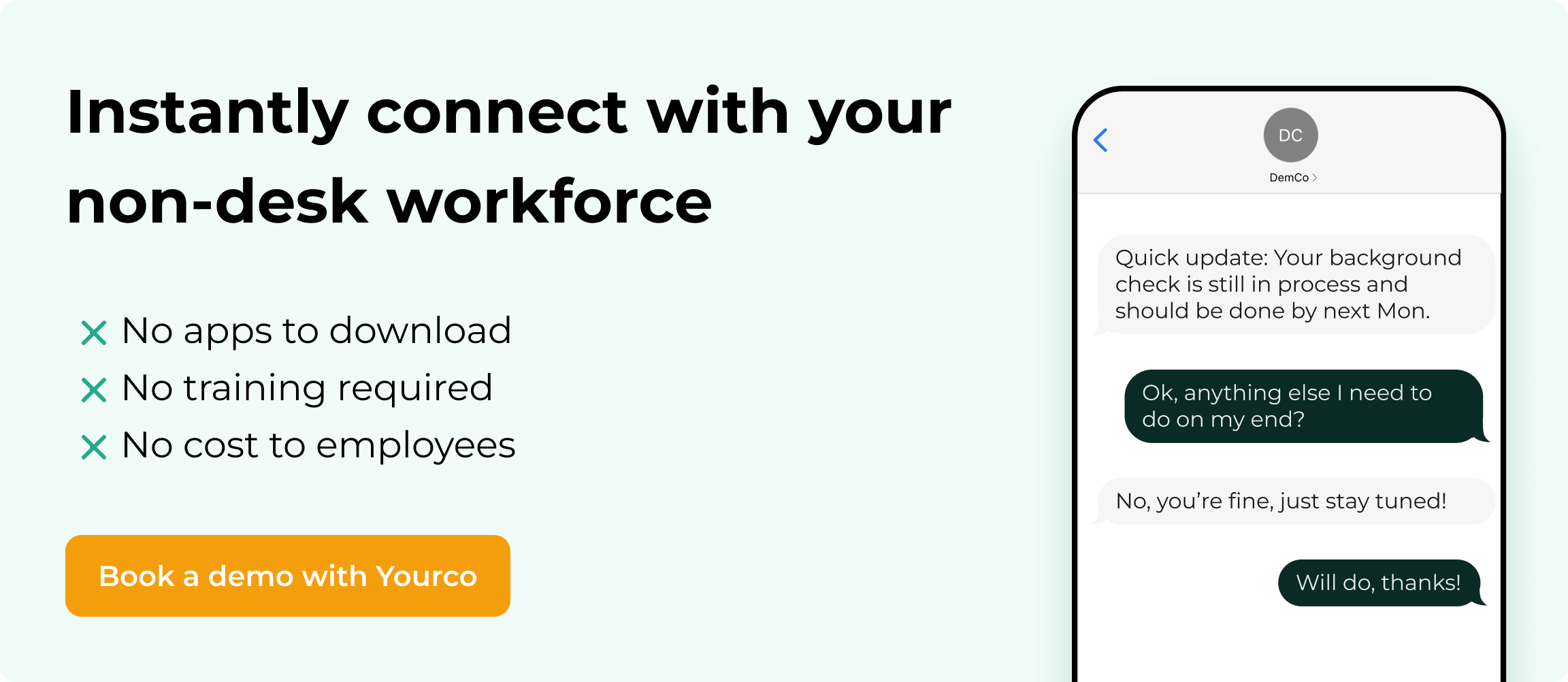
Tracking attendance across multiple shifts and locations requires communication that reaches every worker the moment it matters. Yourco's SMS-based platform enables instant communication for frontline workers who lack traditional email and computer access. Because SMS works on all mobile devices, from smartphones to basic phones, messages reach workers regardless of technology access.
For multi-location operations, Yourco provides centralized dashboards with role-based access controls so site managers communicate with their teams while corporate maintains full visibility. Integration with 240+ HRIS and payroll systems keeps employee data synced across every location. AI-powered translation across 135+ languages ensures every worker understands attendance policies and schedule changes in their preferred language.
Two-way messaging allows supervisors to confirm attendance, follow up on no-shows, and fill open shifts quickly. Workers can text back to report call-offs, late arrivals, or scheduling conflicts, ensuring nothing is missed. For enterprise organizations, Enterprise Bridge enables corporate leadership to send centralized, one-way attendance policies or shift updates across all locations, while local managers maintain direct communication with their teams.
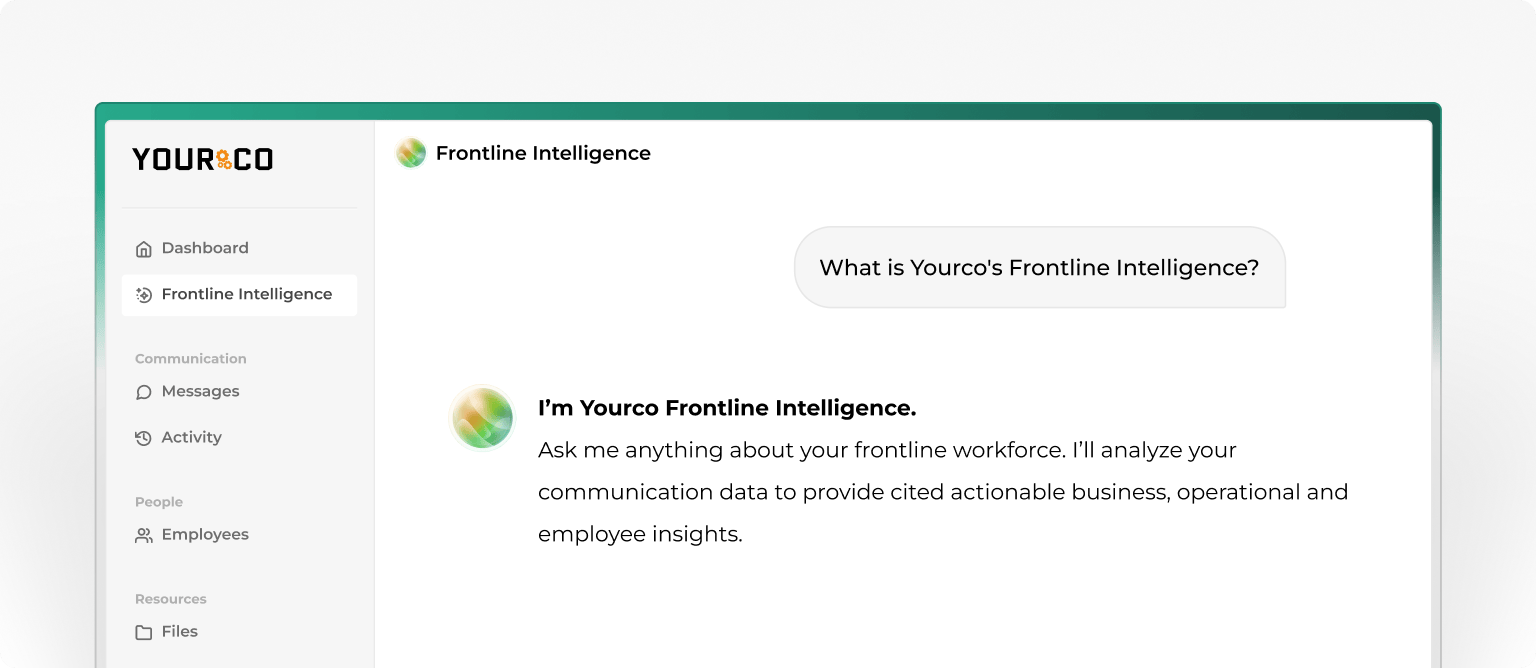
Frontline Intelligence transforms everyday communication data into actionable workforce insights. Instead of scattered messages and manual tracking, all attendance-related conversations are analyzed in one system. Site managers can generate and download reports on operational performance, including shift confirmations, response times, and call-off activity, giving local teams the data they need to manage daily operations more effectively. At the same time, corporate leadership gains centralized oversight across multiple locations. They can identify recurring absenteeism by shift or location, monitor peak call-off periods, detect sites with slower response times, and compare engagement trends across facilities. With this level of visibility, organizations move beyond reactive attendance tracking and gain the insight needed to improve performance across every shift and site.
"Yourco is the best thing we did last year! We are able to send instant text message communications to all our employees. The dashboard is very user friendly and you can access it easily on your PC or Mobile Phone! We have had other sites within Sherwin start to use them as well!"
— Carolina Abrams, HR Manager, Sherwin-Williams - CEP
After using Yourco for 90 days, two-way employee engagement increased to 86%.
Try Yourco for free today, or schedule a demo to see the difference the right workplace communication solution can make in your company.
Frequently Asked Questions about Tracking Attendance Across Multiple Shifts and Locations
What causes the highest payroll errors in multi-location operations?
Fragmented tracking methods across locations, inconsistent time capture, and manual processes that enable buddy punching are the primary causes of payroll errors in multi-location operations.
How much can automated attendance tracking reduce errors?
Automated systems significantly reduce errors by eliminating manual data entry, applying consistent rules across locations, and providing real-time visibility for immediate corrections.
Do geofencing systems work in areas with poor cellular coverage?
Modern geofencing systems use multiple verification methods and typically include offline functionality that syncs when connectivity is restored, making them reliable in most work environments.
What federal records should employers keep for attendance tracking?
Under FLSA guidelines, employers are generally expected to maintain records documenting the hours worked each day and the total hours worked each workweek for non-exempt employees. Federal guidelines generally expect employers to keep payroll records for at least three years.
How do real-time absence alerts improve operations?
Real-time alerts enable immediate response to absences, allowing managers to find replacements before operational disruptions occur rather than discovering problems hours later.


