
The Bureau of Labor Statistics recorded 5,070 fatal work injuries in 2024, and the National Safety Council puts the total cost of work injuries at $176.5 billion in 2023 alone. A documentation gap during an audit is not just a paperwork problem; it can lead to serious financial exposure and an unprotected workforce. This guide walks through the essentials, so your team can pull proof in minutes and walk into any audit with confidence.
This information is for general awareness only. For specific compliance guidance, consult with qualified legal professionals.
TL;DR
- Keeping all training records in a single centralized, searchable system is the most important step toward audit readiness.
- Consistent confirmation processes across all sites prevent documentation gaps that auditors treat as red flags.
- Time-stamped digital delivery creates an unbroken chain of evidence that holds up during inspections.
- Automated refresher alerts remove the burden of tracking expiration dates manually across rotating shifts and multi-site teams.
- SMS-based platforms like Yourco make it easier to collect, store, and surface training records across every location without manual uploads or scattered files.
Start with a Single Source of Truth for Training Records
Keeping all safety training documents in one place saves hours during an audit and prevents confusion when records go missing. Pull everything together: attendance confirmations, quiz results, signed acknowledgments, and refresher schedules into a single, searchable system.
OSHA’s Training Requirements in OSHA Standards (OSHA 2254) makes clear that documentation shows training actually happened. Records directly answer the first question an auditor will ask: “Did the employee receive training?” One missed sign-in sheet can force you to retrain an entire crew, and scattered files signal larger gaps in your safety program.
Manufacturing sites with disorganized documentation often struggle with transcription errors and lost paperwork, putting certifications at risk.
Start the cleanup with these steps:
- List every place your training data lives today
- Migrate files into one folder structure using clear names like “2024-03 Forklift Safety – Line 2”
- Assign one person ownership of the archive so updates happen in real time, not the night before an inspection
Your system also needs to cover every worker population. OSHA’s guidance on temporary workers and Protecting Temporary Workers (OSHA 3735) explicitly requires documentation for temporary, contract, and visiting employees. If your system only tracks direct hires, you have a gap auditors will find.
Standardize How You Collect Training Confirmations
Consistent confirmation processes prevent the documentation gaps that become compliance headaches. When every location uses different sign-in sheets, records disappear, and you waste time hunting down proof instead of focusing on safety.
Choose one format for every training event across all sites. A forklift refresher in Ohio should follow the same steps as one in Texas: the trainer sets up the roster, employees confirm completion via text, and records are saved automatically.
Text acknowledgments work well since everyone can respond without apps or email access. QR code check-ins, digital signatures on shared tablets, or timestamped photos all create solid proof. Keep paper forms as backup, but scan and upload them the same day.
Build language support into your process from the start. OSHA requires that workers be trained in a language and vocabulary they understand, which means logging the language of delivery. A record missing that detail is incomplete. According to a Yourco-commissioned survey of 150 HR leaders, 93% believe clear safety communication reduces workplace incidents, making language-inclusive delivery both a regulatory and practical priority.

Use Time-Stamped Digital Delivery for Proof of Completion
When every lesson and response carries a timestamp, you have proof that auditors can verify in seconds. Digital systems log the exact moment a lesson goes out, when each worker opens it, and how long they spend on any quiz. Those logs sit in a secure archive, creating an unbroken chain of evidence with no transcription errors.
OSHA explicitly permits electronic recordkeeping. You can capture timestamps through simple interactions:
- Send a text asking operators to reply "DONE" after reading new lockout/tagout steps, recording both delivery and response times
- Deploy a short mobile quiz that automatically logs submission times
- Use instructional videos that mark completion when the last frame plays
One important nuance: OSHA has clarified that digital training alone does not satisfy requirements where standards mandate interactive components or hands-on practice, such as Lockout/Tagout (1910.147) and Powered Industrial Trucks (1910.178). Your records should reflect both the digital and in-person components.
Track Refresher Training Before It Becomes Overdue
Refresher courses are a primary audit target. Fall Protection Training (29 CFR 1926.503) ranked sixth on OSHA's FY 2025 most-cited violations list with 1,907 violations specifically for failure to train, separate from any physical deficiency. Fall protection has led the list for 15 consecutive years.
When crews work rotating shifts or move between sites, tracking expiration dates becomes genuinely difficult. Set up text notifications to go out 30, 14, and 7 days before a certificate expires. Prioritize higher-risk tasks first: lockout/tagout, confined space entry, and powered industrial trucks. If someone misses a deadline, document every reminder sent. This shows auditors you made a genuine effort. The free employee training plan template is a useful starting point with OSHA-required topic columns and shift coverage tabs.
Make It Easy for Managers to Verify Completion
Managers responsible for health and safety compliance need to verify training status fast. A simple dashboard showing completion by site, team, or employee eliminates last-minute scrambling.
The stakes are significant. In April 2024, OSHA revised its Instance-by-Instance Citation Policy, allowing each individual violation to be cited separately. For a manufacturing floor with 50 workers exposed to the same training gap, that single failure can be cited 50 times. At the current 2025 rate of $16,550 per serious violation, the math compounds quickly. Willful or repeated violations carry a maximum of $165,514 per instance.
Platforms built for frontline teams log every action automatically, so managers can filter by "done," "due soon," or "overdue" without chasing files. When a department consistently finishes late, analytics surface that pattern early so you can intervene before a deadline becomes a citation.
Maintain a Clean Audit Trail for Every Training Event
A clean audit trail means capturing the full story behind every session. OSHA’s training documentation guidance specifies the minimum required data elements. Include these details every time:
- Employee name and unique identifier
- Training topic, date, and language of delivery
- Worker classification: direct hire, temp, contractor, or visitor
- Instructor name and qualifications, or delivery platform identity
- Verified attendance: signed sheets or digital check-ins
- Quiz scores or practical assessments proving understanding
- The refresher schedule so regulators know expirations are tracked
Retention requirements vary by standard. Per OSHA recordkeeping rules and specific standards:
Organize records by year, course, and employee so anything can be pulled during a surprise visit. Role-based permissions prevent edits once a session closes. If you still use paper, scan it the same day and tag the PDF with the course name, date, and language of delivery.
Keep Every Training Record Audit-Ready With Yourco
Keeping clean training records should not require days of searching or stacks of mismatched spreadsheets. According to a Yourco-commissioned survey of 150 HR leaders, 91% say SMS increases frontline employee response rates, making it the most practical channel for collecting training confirmations across distributed teams.
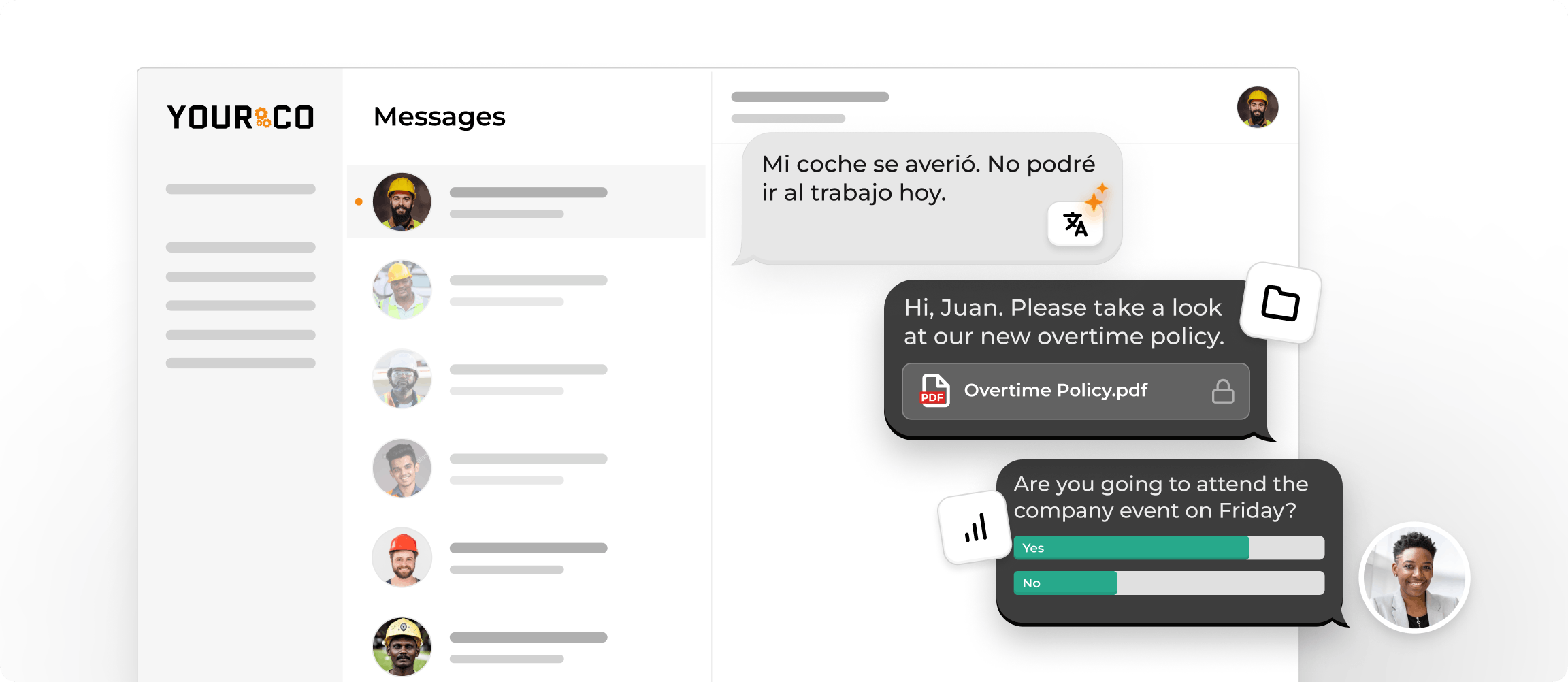
Yourco automatically time-stamps and stores every safety message, quiz result, attendance confirmation, and photo check-in, giving you clear proof of who completed what and when. Key capabilities include:
- SMS delivery to any phone, with no app download or internet access required
- Two-way communication to collect completion confirmations in real time
- AI-powered translations in 135+ languages and dialects, with delivery language logged automatically
- Photo-based reporting for richer training documentation
- Centralized dashboards for completion visibility across every site
Yourco connects with 240+ HRIS and payroll systems, so training data flows into the systems your HR and safety teams already use. Enterprise Bridge enables corporate leadership to broadcast training mandates across all locations simultaneously, while local managers maintain direct communication with their teams.
Frontline Intelligence gives safety and HR teams centralized visibility into completion rates, refresher deadlines, and participation gaps across all locations. Leaders can ask "Where are we seeing missed training refreshers?" or "Which sites have the most safety-related questions this month?" and get immediate, location-level answers before an audit begins.
"Yourco has been huge for us, especially during the weather crisis. We were able to keep our employees safe and make sure everyone was notified of updates in a timely manner."
— Scott Pfantz, Operations Manager, Nufarm - Alsip
After 90 days on Yourco, companies see two-way employee engagement reach 86%.
Try Yourco for free today, or schedule a demo to see the difference the right workplace communication solution can make for your company.

Frequently Asked Questions about Track Safety Training Completion for Audits
How do I track safety training completion if employees move between locations?
Tie every record to a unique employee ID in a centralized system rather than organizing files by site. This avoids the data silos that appear when each location keeps its own spreadsheet and ensures documentation holds up when an auditor asks about a worker who transferred mid-year.
What documentation do auditors usually ask for?
Auditors typically ask for attendance confirmation, completion dates, instructor credentials, quiz scores, content outlines, the delivery language, and the next refresher date. Per OSHA's training documentation guidance, records must also identify the employee by name or unique identifier, the specific training topic, and the trainer's identity.
How long do I need to keep OSHA training records?
Retention varies by record type. General safety training records are typically retained for 3 years as a best practice (some standards require longer); OSHA Forms 300, 300A, and 301 require 5 years; and bloodborne pathogen medical surveillance records require the duration of employment plus 30 years. If your organization operates in a state with an OSHA-approved State Plan, verify local requirements, as state plans may be stricter than federal OSHA.
Does online safety training satisfy OSHA requirements?
Not always, per an OSHA interpretation letter dated July 11, 2019, online-only training does not comply where a standard mandates interactive components, the opportunity to ask questions of a qualified trainer, or hands-on practice. This applies to Lockout/Tagout, Confined Space Entry, and Powered Industrial Trucks. Digital delivery must be paired with in-person elements where required, and your records should document both.
How often should safety training be refreshed?
Refresh intervals depend on the specific OSHA standard, hazard level, and regulatory updates. Standards like Powered Industrial Trucks (1910.178) and Lockout/Tagout (1910.147) have their own retraining triggers tied to performance gaps, workplace changes, or near-miss events. A dashboard that flags expiration dates and a safety compliance calendar keep upcoming deadlines visible before they become citations.
Do I need to track training for temp and contract workers, too?
Yes, OSHA's Temporary Worker Initiative and interpretation letters explicitly require training documentation for temporary, contract, and visiting employees. This is a common gap in manufacturing, construction, and logistics. Your tracking system should capture worker classification for every record. See the industrial regulatory compliance guide for manufacturers for more on documentation requirements across worker types.