TL;DR: You can reach employees without email through SMS text messaging. It works on any phone, requires no apps or internet, and achieves 98% read rates compared to email's 20%. Texts create automatic written records, arrive instantly, and let workers respond when convenient. Use SMS for shift changes, safety alerts, announcements, and feedback collection to ensure every frontline worker stays connected.
In certain industries, many workers don't have regular access to email throughout their workday, or at all. This is especially true of people working in blue-collar jobs like manufacturing, construction, logistics, and hospitality. In many of these situations, employees might not have a company email address or reliable internet access during their shifts.
Yet communicating with frontline staff is just as important as reaching anyone else in the workplace. So what's the best way to contact employees who can't check their inbox? SMS text messages offer a practical solution, as employees can easily open them on their regular mobile phones while in the field.
With a modern text messaging platform, HR and managers can get the benefits of email with the convenience of texts, including features like scheduled messages and automatic archiving for company records.
4 Methods of Workplace Communication Without Email
There are several ways to communicate with staff at work, each best suited to different circumstances. Let's take a closer look at four standard methods and the situations where they are best suited.
Face-to-Face
Talking to workers in the same space is a great way to communicate clearly, develop relationships, and convey tone well. But it only works with staff and managers who are in the same physical space at the same time, so it can't be used after hours or across locations.
For organizations with multiple sites or rotating shifts, face-to-face communication alone leaves significant gaps.
Phone Calls
Picking up the phone and speaking directly to another staff member can work well for urgent matters or sensitive conversations. Unfortunately, calling each person individually is time-consuming, and staff may not be available to answer the moment a call comes in.
Phone calls also don't provide a written record to reference later, which can lead to misunderstandings about what was discussed.
Bulletin Boards and Posted Notices
Physical postings in break rooms or common areas can share information without requiring technology. However, there's no way to confirm who has seen the information, and updates require someone to physically change the posting. Workers who miss a shift or work remotely won't see these notices at all.
SMS Text Messaging
Text messages work well for employees without company email addresses or reliable internet access. Nearly everyone knows how to send and receive texts, and messages arrive instantly on phones that workers already carry.
Unlike phone calls, texts create a written record and can be read when convenient. And unlike bulletin boards, you can confirm delivery and reach workers regardless of their location.

Why SMS Outperforms Other Communication Channels
When reaching employees without email, not all alternatives deliver equal results. SMS stands out for several reasons that matter in fast-paced work environments.
- Speed and reliability: Text messages arrive within seconds and don't depend on internet connectivity or app installations. Workers receive them on phones they already carry, whether that's a smartphone or a basic flip phone. This immediacy matters when you need to communicate shift changes, safety alerts, or time-sensitive updates.
- Higher engagement rates: Studies consistently show that SMS messages achieve read rates around 98%, with most texts opened within minutes of delivery. Compare that to email, where only about 20% of messages get opened, often hours or days later. For critical workplace communications, this difference in engagement can directly impact operations.
- Lower barriers to entry: Email requires an account, password, and either a computer or smartphone with internet access. Mobile apps demand downloads, storage space, and often ongoing updates. SMS requires none of this. If someone can receive a phone call, they can receive a text, making it the most inclusive communication channel available.
- Built-in familiarity: Nearly every adult knows how to read and respond to text messages. There's no learning curve, no training session required, and no tech support calls when workers can't figure out the interface. This familiarity translates to faster adoption and fewer communication gaps.
- Documentation and compliance: Unlike phone calls or face-to-face conversations, text messages create an automatic written record. Every message sent and received can be archived, searched, and referenced later. This matters for compliance documentation, dispute resolution, and maintaining clear records of workplace communication.
Common Use Cases for SMS Employee Communication
Understanding when to use text messaging helps you get the most value from this channel. Here are scenarios where SMS consistently outperforms other methods for reaching frontline workers.
1. Shift Reminders and Schedule Changes
Last-minute schedule adjustments happen in every industry. When a shift needs coverage or timing changes, text messages reach workers immediately, regardless of where they are. Workers can confirm receipt and respond with availability, creating a clear record of the communication. For teams managing this across multiple sites, our guide on multi-location employee scheduling covers how to centralize scheduling data and communicate updates instantly across every location.
2. Safety Alerts and Emergency Notifications
Weather emergencies, site hazards, or facility closures demand instant communication. Text messages cut through the noise and reach workers faster than any other channel. For safety-critical information, the high read rate of SMS can literally save lives. Employee alerts let you notify your entire workforce with one click.
3. Company Announcements and Policy Updates
Benefits enrollment deadlines, holiday schedules, or policy changes affect every worker equally. SMS ensures that employees without email access receive the same information at the same time as their desk-based colleagues. Company announcements via text build trust and prevent information gaps across your workforce.
4. Onboarding and Training Coordination
New hire paperwork, orientation schedules, and training reminders often get lost in the shuffle for frontline workers. Onboarding employees through text messages delivers information directly to personal phones, with links to documents workers can access on their own time.
5. Feedback Collection and Pulse Surveys
Gathering input from employees who don't have email typically requires in-person conversations or paper forms. Employee survey distribution via SMS removes this friction entirely. Workers can respond to quick polls during breaks, giving leadership real-time insight into workforce sentiment and concerns.
6. Attendance and Call-Off Management
When workers can't make their shift, they need an easy way to notify supervisors. A dedicated text-off line creates a documented, timestamped record of absences while giving workers a simple way to communicate that doesn't require phone tag or voicemail. For a deeper look at setting up this process and measuring its business impact, explore our breakdown of the ROI of streamlined call-off communication and how it reduces unplanned overtime and coverage costs
7. Employee Referrals
Filling open roles gets easier when your current workforce can help. Employee referrals through SMS let you share open positions directly with workers so they can recruit friends and family. Since referral hires typically stay longer and ramp up faster, this channel pays for itself quickly.
8. Benefits Communication
Low enrollment rates often stem from employees not understanding their options. Employee benefits communication via text ensures frontline workers receive the same benefits education as desk-based staff. Send reminders during open enrollment, explain plan options clearly, and answer questions through two-way messaging.
Build an Effective Non-Email Communication Strategy
Switching to SMS or adding it to your communication mix requires some planning. These steps help you implement text messaging in a way that works for your organization and your workforce.
Audit Your Current Communication Gaps
Start by identifying where information currently gets lost. Which employees miss important updates? What announcements consistently fail to reach certain teams or locations? Understanding your specific gaps helps you target SMS where it will have the biggest impact.
Define Message Categories and Urgency Levels
Not every message needs to be a text. Establish clear categories for what warrants SMS communication versus other channels. Emergency alerts, time-sensitive schedule changes, and critical safety information typically justify text messages.
Routine reminders or informational updates, on the other hand, might follow a different cadence.
Segment Your Workforce
Different teams need different information. Create groups based on location, department, shift, or role so you can send targeted messages to the right people. This prevents notification fatigue and ensures workers only receive texts relevant to their jobs.
Set Expectations with Employees
Let workers know what kinds of messages they'll receive via text and approximately how often. Explain that the company number won't be used for spam or non-work communication. Clear expectations build trust and improve response rates.
Train Managers on Best Practices
Supervisors and managers often serve as the front line of communication. Make sure they understand when to use text messaging, how to keep messages concise, and how to use platform features like scheduling and segmentation effectively.
Measure and Adjust
Track delivery rates, response rates, and feedback from workers. If certain message types get ignored or specific teams show lower engagement, investigate why and adjust your approach. Effective communication requires ongoing refinement based on real data.
Reach Every Employee Instantly with Yourco
Getting employees to read internal communications starts with meeting them where they are. For frontline workers, that means their phones, not their inboxes.
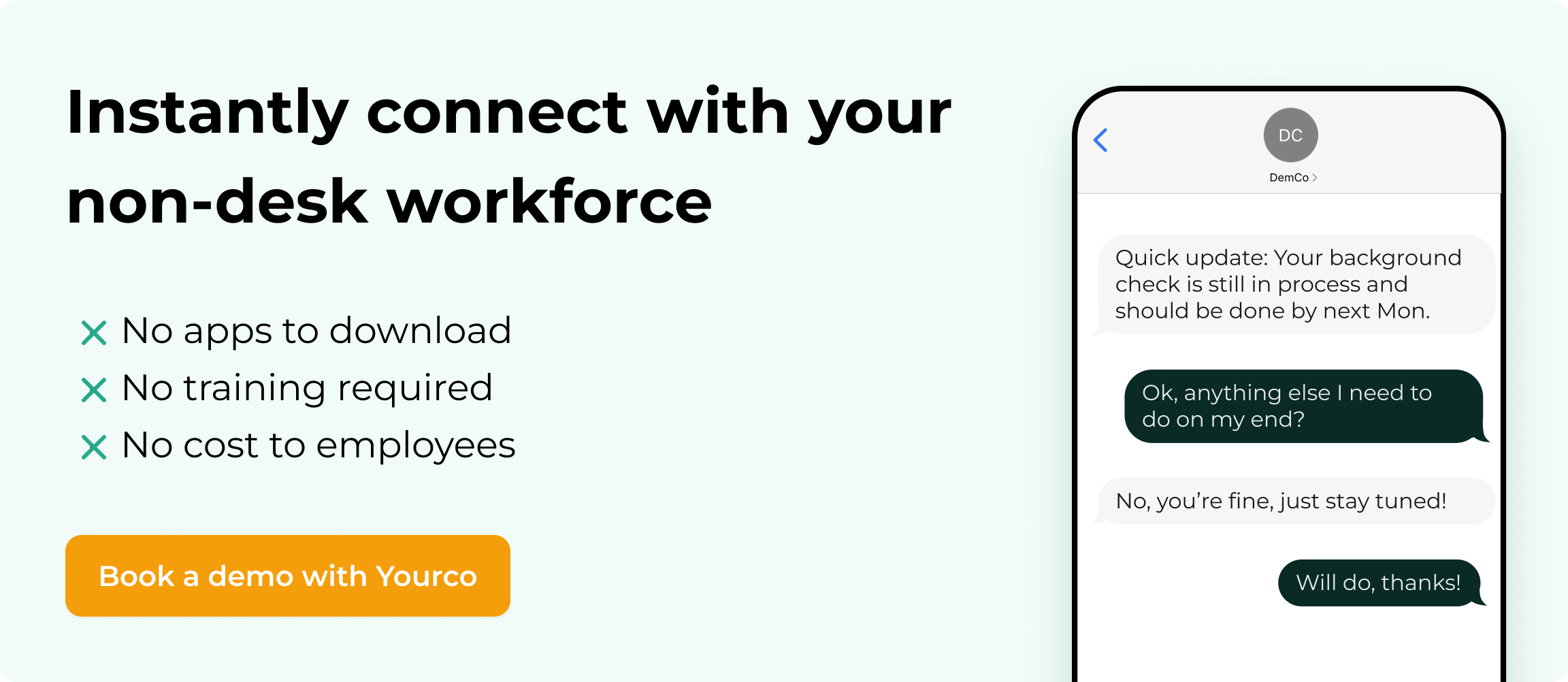
Yourco makes it simple to send SMS messages that arrive just like regular texts on employee phones. No apps to download, no training required, and no cost to employees. The platform works on any phone, including flip phones, so every team member can participate regardless of what device they carry.
Key features include:
- AI-powered translations in over 135 languages and dialects, so workers receive updates in their preferred language and managers get translated replies
- Built-in polls and surveys that let you gather feedback directly through text without requiring workers to log into separate systems
- Frontline Intelligence that turns daily communication data into actionable insights, helping you spot attendance patterns, track response rates, and identify engagement trends before small issues become bigger problems
- Message segmentation by location, shift, or department so the right people get the right information
- Two-way communication that lets workers reply, report issues, and ask questions just as easily as they receive messages
Whether you're sharing company announcements, sending employee alerts, managing a text-off line, distributing training resources, or coordinating employee referrals, Yourco keeps your entire workforce connected.
Try Yourco for free today or schedule a demo and see the difference the right workplace communication solution can make in your company.
Frequently Asked Questions
What is the fastest way to reach employees who don't have email?
SMS text messaging delivers information instantly to phones that employees already carry. Unlike email, texts don't require internet access, app downloads, or company accounts. With read rates around 98%, text messages consistently outperform other communication channels for reaching frontline workers quickly.
How do I communicate with employees who speak different languages?
AI-powered translation tools can automatically convert your messages into each employee's preferred language. When workers reply in their native language, managers receive translated responses. This removes language barriers without requiring manual translation or multilingual staff to relay messages.
Can I send texts to employees without using my personal phone number?
Yes. Dedicated text messaging platforms provide company phone numbers that keep personal and professional communication separate. Managers send messages through a web dashboard or company device, and all conversations are logged and stored for compliance purposes.
How do I know if employees actually received and read my messages?
Text messaging platforms track delivery confirmation for every message sent. While SMS doesn't support read receipts, delivery rates show whether messages reached employee phones. You can also use built-in polls or surveys to confirm understanding and gather responses.