


Effective communication ranks among the most critical factors in organizational success. According to LinkedIn research, communication is the number one skill companies look for when hiring, encompassing everything from interpersonal abilities to reading and writing proficiency. Beyond individual skills, however, the ability to communicate clearly within an organization determines whether critical information reaches everyone who needs it.
Internal communication spans a wide range of essential business functions:
Despite the importance of conveying information across departments, most organizations still rely on suboptimal communication practices. According to Gallup, 74% of employees feel they miss out on important company information. When workers miss schedule changes or, worse, emergency notices about plant closures due to inclement weather, the consequences extend far beyond inconvenience.
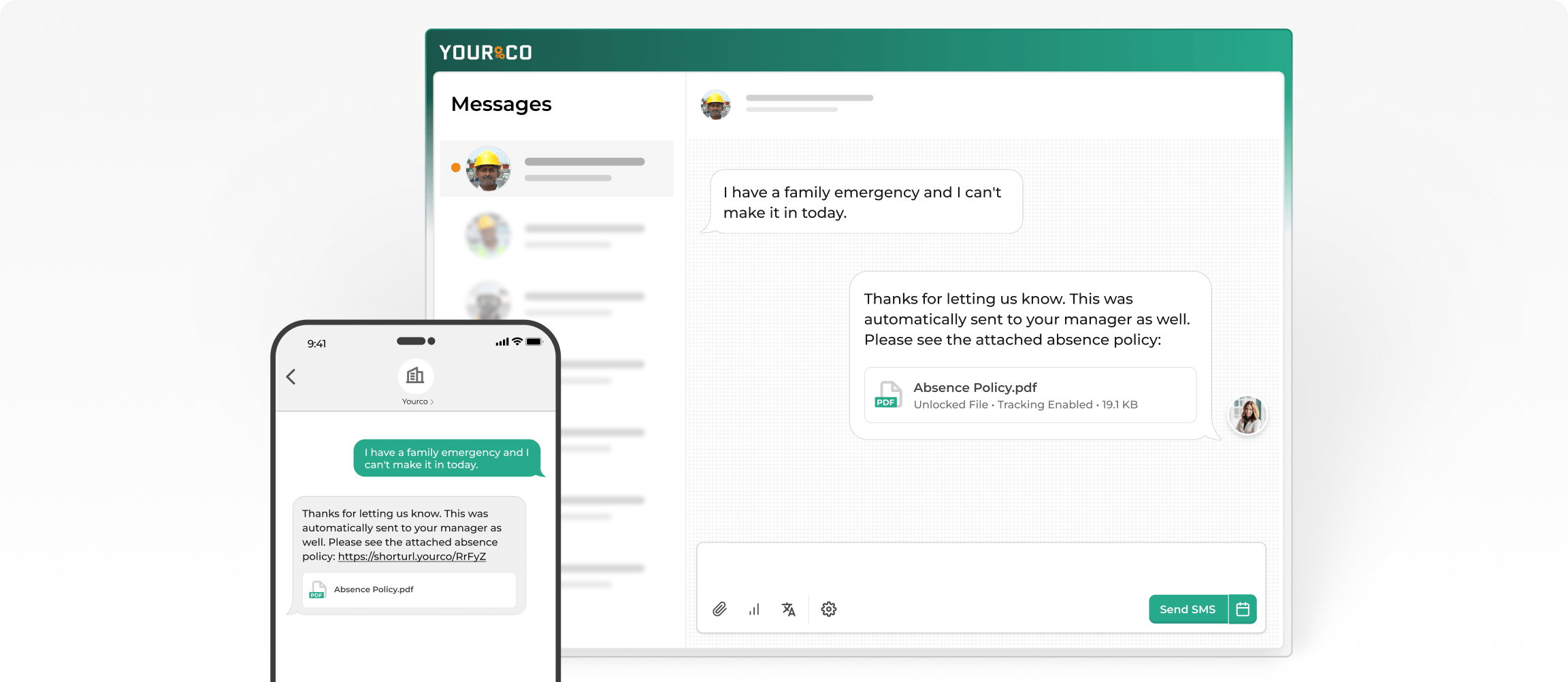
The problem becomes significantly more acute when considering frontline employees. These workers spend their days on their feet, away from desks and computers, which fundamentally decreases their opportunities for communication in a digital workplace. Many lack company email addresses or computer access altogether, creating a communication gap that traditional methods simply cannot bridge.
Text alert systems serve countless purposes in business settings. The core objective remains consistent: conveying essential information to employees in a way that reaches them where they are. Rather than depending on email inboxes that may never be checked, text alerts deliver notifications straight to employees' phones, ensuring the message arrives regardless of whether workers have internet access or company-provided technology.
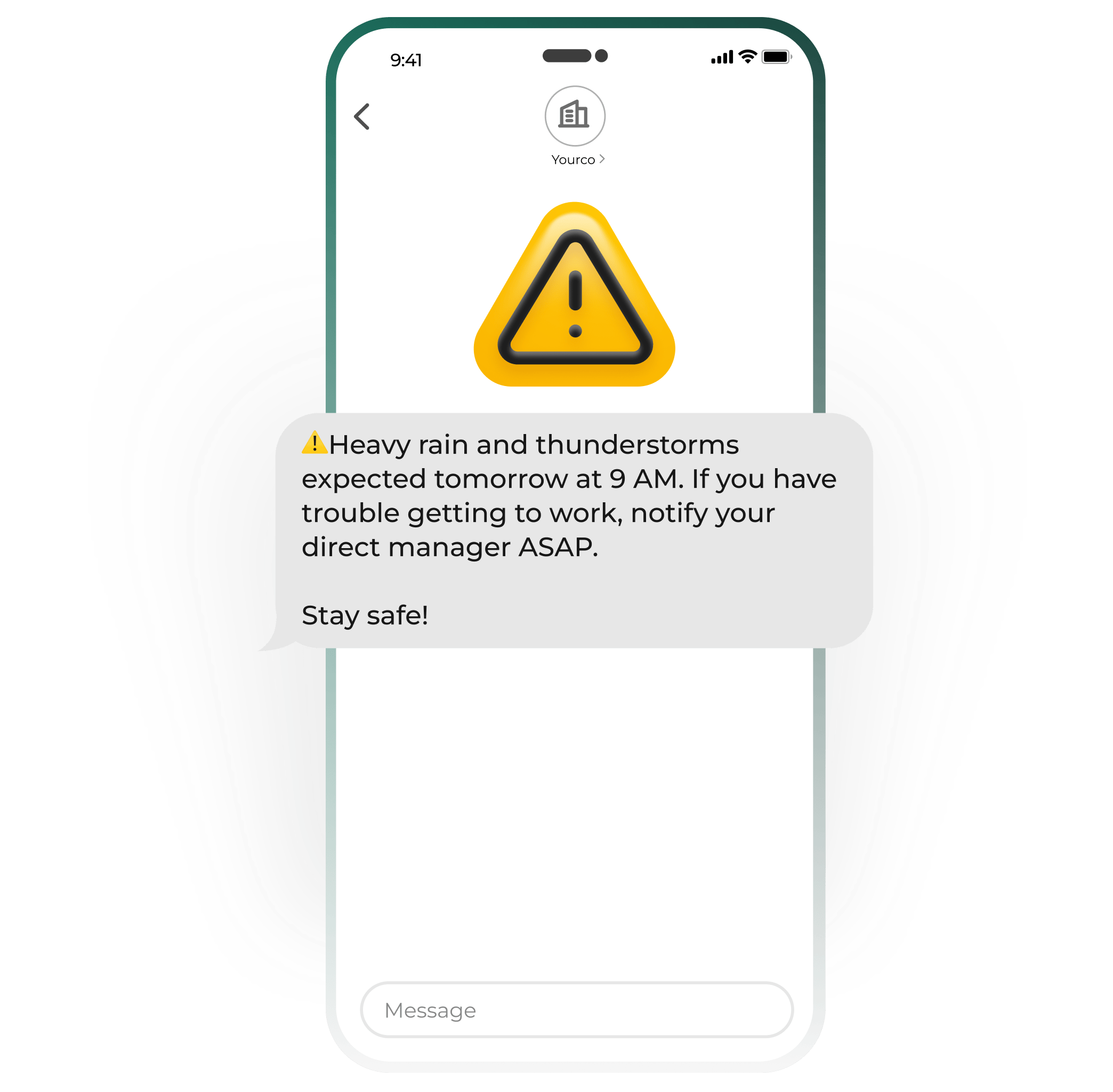
Emergency alerts inform employees of events requiring immediate response. This category includes workplace hazards, severe weather statements, immediate health and safety concerns, and any situation where timely information could prevent harm. These alerts apply universally across industries because emergencies respect no boundaries.
Consider a severe weather scenario: an ice storm, flood, tornado, or similar event approaching your facilities. Communicating this information to everyone in the organization quickly becomes mission-critical. Timely alerts can:
Fire emergencies present another scenario where accurate, quick communication can mean the difference between safety and serious harm. Early alerts can:
The best approach combines multiple channels: SMS texting, PA announcements, and email together create a comprehensive emergency notification system. That said, texting remains the most likely to be read quickly, with 98% of text messages opened and 95% read within 90 seconds.
Non-emergency alerts cover messages that don't require immediate attention for health and safety purposes but still carry time sensitivity. These notifications ensure operations run smoothly and employees stay informed about day-to-day matters:
Schedule updates deserve particular attention. Shift managers need to know who's working and when, while employees need to know when and where to report. When schedules change without proper communication, employees who miss shifts through no fault of their own may lose pay or face disciplinary action. The business loses productivity and faces the broader consequences of disorganized communication: decreased morale, lower efficiency, and ultimately higher turnover.
Reminders and notices cover everything from operational changes to employee engagement opportunities:
Each of these messages might seem minor in isolation, but missed communications create real problems. If employees who rely on on-site childcare don't learn about closures in time, they face scrambling for alternatives at the last minute. Text alerts free up significant time compared to mandatory meetings while reducing errors by getting information right the first time.
Frontline workers face communication challenges that traditional corporate channels cannot address. Unlike office employees who regularly check email, frontline staff often lack access to company intranets, work across multiple shifts, speak different languages, and operate from scattered locations. These workers form the backbone of industries like manufacturing, logistics, healthcare, and construction, yet they typically receive critical updates last.
The barriers extend beyond simple access issues:
Text messaging bridges this gap by reaching employees who may not have email access.
Creating an employee notification system that actually reaches everyone requires thoughtful planning. The following framework helps organizations design systems that work for both desk-based and frontline employees.
Start with a brainstorming session involving key stakeholders, including team leaders and frontline employees themselves. Think through the different types of information you need to relay and group them logically: emergency alerts versus routine updates, company-wide announcements versus location-specific messages.
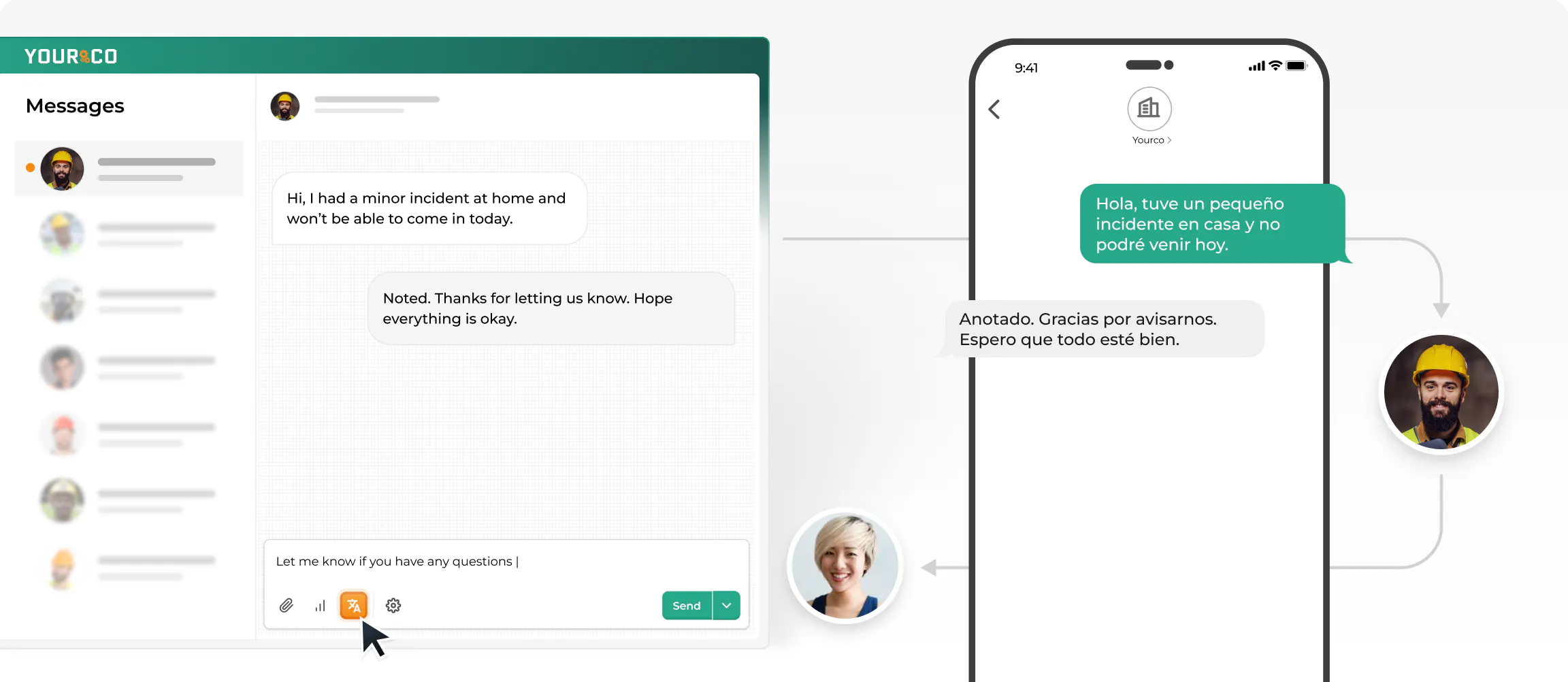
Diverse teams need inclusive channels. If your workforce includes employees who speak multiple languages, AI-powered translation capabilities become essential for ensuring clear communication to all workers. Consider whether you need polling features to gather employee feedback or confirm attendance at events and trainings.
When you need to alert employees quickly, what does your current system look like? Many organizations rely on mass emails, evolving phone trees, or individual calls and texts. These methods work inconsistently without a reliable, centralized system in place.
A comprehensive notification system unifies communication and provides a more effective way to keep everyone informed. Rather than adding another fragmented channel, consider upgrading to an all-in-one platform designed specifically for reaching frontline workers.
Involve representatives from every level of your organization, from leadership through workers in the field. This input helps identify the most pressing communication needs and the limitations of current systems. Workers who rarely sit at computers bring valuable perspective on what actually reaches them and what gets lost.
While cost matters, putting employee and workplace needs before price leads to better outcomes. Free mass texting services come with limitations that can undermine your communication goals: character limits that force message truncation, no two-way communication capability, and lack of message logging for compliance purposes.
Look for platforms that offer:
Roll out new notification systems thoughtfully. Start with a pilot program in one department or location to identify issues before company-wide deployment. Choose solutions requiring minimal training, since the best systems let employees participate through simple text commands without complex setup.
Clearly communicate how the system enhances personal safety and makes employees' jobs easier. Organizations that build a safety-focused culture around their alert systems see the highest adoption rates.
Today's notification systems go beyond basic messaging to create communication networks that reach every worker regardless of location or role. These core features determine whether your system simply sends messages or actually connects your team when it matters most.
SMS maintains a decisive advantage with its 98% open rate compared to email's much lower engagement. The speed proves particularly valuable for frontline workers who may not check email regularly but always have their phones nearby. An SMS-first approach ensures your workforce stays connected even in remote or challenging environments, making it ideal for organizations with employees who have basic phones, limited English proficiency, or spotty connectivity.
Target specific groups based on department, role, shift schedule, or physical location. This precision prevents unnecessary disruption while ensuring messages reach the right people. A message about an on-site benefits fair in one city means nothing to warehouse workers in another location. Similarly, night-shift employees need reminders sent during their work hours, not at 9 a.m. when they're sleeping.
Pre-written templates for common scenarios eliminate the pressure of composing critical messages during high-stress situations. Whether for fire evacuations, severe weather, equipment failures, or shift changes, templates ensure consistent, clear communication when every second counts.
Enterprise-level security forms the foundation of reliable notification systems. Look for platforms that encrypt messages in transit and at rest, implement role-based access controls, and maintain comprehensive audit logs for compliance reporting. Your system should automatically manage consent requirements and communication preferences without manual oversight.
Language barriers that previously left non-English speakers vulnerable during emergencies disappear with AI-powered translation. Modern systems automatically detect employee language preferences and deliver messages accordingly, ensuring every worker receives critical information in a language they understand.
Yourco's SMS-based platform is designed specifically for organizations with frontline employees. Unlike messaging apps that require downloads, accounts, and internet access, Yourco sends alerts directly to employees' phones through simple text messages. This means reaching every worker regardless of smartphone ownership, data plans, or technical sophistication.
The platform delivers capabilities that matter for real-world communication challenges:
Whether handling emergency alerts, schedule updates, or open enrollment reminders, Yourco ensures your messages actually reach the people who need them.
Try Yourco for free today or schedule a demo and see the difference the right workplace communication solution can make in your company.
Set up monthly automated syncing with your HR system, and run manual audits quarterly to catch any gaps or recent changes. Platforms that integrate with HRIS systems can automate much of this process.
Keep routine communications to 2-3 messages per week maximum to prevent alert fatigue. Emergency alerts should go out immediately, regardless of frequency caps, as these are time-sensitive and safety-critical.
First, verify that the contact information is correct. Try different delivery times that align with shift schedules. If non-responsiveness continues, escalate to direct supervisors and document patterns for performance discussions.
Start with clear benefits for them personally. Show how the system makes their job easier, safer, and more predictable. Use real examples relevant to their daily work rather than abstract benefits for the company.
Yes. As the platform admin, you can customise notification preferences for both admins and managers. You can choose which alerts they receive, set the notification type (SMS or in-app), and define the time and date when notifications should be delivered. You can also configure quiet hours or schedule specific reporting times, depending on your platform’s features.