


98% of text messages get opened, which is why call-offs, shift changes, safety notices, and hard conversations already move by text at most frontline employers. Those messages have become a system of record for decisions about pay, leave, discipline, and safety. The problem is custody: when the exchange sits between two personal phones, the company holds no copy, and the only version disappears when an employee leaves or a phone is wiped. Archiving keeps the company's side of the conversation on a channel it controls.
This guide covers best practices for archiving workplace text messages. It is not legal advice. For specific compliance guidance, consult qualified legal professionals.
TL;DR
- Workplace texts about pay, leave, discipline, schedules, and safety function as records, regardless of the device that carried them.
- Five categories are worth archiving: call-offs, schedule changes, safety notices, policy acknowledgments, and survey responses.
- Retention follows the underlying record type, and consistency beats picking the longest window.
- The exposure sits on supervisor and HR phones, where the company's only copy lives on hardware it does not own.
- Archiving protects the employee too, since a worker who texts in an absence has a record of it.
- SMS-based platforms like Yourco capture and retain workplace texts as a system of record.
Why Workplace SMS Needs Archiving
Text became the frontline channel because it works, and the record-keeping question arrived afterward. A worker texts a supervisor at 4 a.m. to report an absence. A line lead texts a crew about a schedule change. HR texts a policy update and asks for a reply. Each exchange documents a decision that may matter months later in a wage question, a leave dispute, or a safety review.
Most companies hold no copy; those exchanges sit in two personal threads, neither searchable by the employer nor recoverable once the supervisor upgrades a phone. Reconstructing them means asking individuals for screenshots, which produces a partial record assembled by the people with the most at stake in how it reads.
Archiving also serves the employee: a worker who reported an absence through an archived channel has proof of the time and the reason when an attendance point is disputed.
How Does Text Message Archiving Support E-Discovery?
An e-discovery request tests whether a company can actually produce what it's asked for, and the two paths workplace texts can take lead to very different outcomes.
The gap shows up most when counsel is working against a deadline. Producing a defensible record from an archived channel means running a search and exporting the results, work measured in hours regardless of how many messages fall in scope. Reconstructing the same record from personal phones means tracking down each employee individually, hoping nothing was deleted, and explaining any gaps that can't be filled.
The difference comes down to where capture happens. A personal-phone conversation depends on someone remembering to save it before a phone changes hands, while a message sent through company communication infrastructure is preserved the moment it's sent. SMS-based platforms like Yourco keep both sides of a workplace conversation in one archived channel, so a legal hold or a production request doesn't come down to whoever still has the original screenshot.
Which Workplace Texts Are Worth Archiving
Not every text is a record. "Running ten minutes late" is operational noise, and archiving everything makes the useful material harder to find. Five categories carry enough weight to justify capture:
- Call-off and attendance messages. These support pay and leave decisions and are often the first evidence in an attendance dispute. Archiving SMS call-off reporting documents when the employee reported the absence and the reason given.
- Schedule and shift-change messages. Predictive scheduling rules in Oregon and in cities including New York City, Seattle, Chicago, Los Angeles, and Philadelphia address posted schedules, later changes, and employee consent, so many covered employers keep evidence of what went out and when.
- Safety notices and incident reports. An archived alert shows that a specific crew received a heat-index or hazard warning, standardized safety alert templates keep those records consistent, and injury reports sent by text document how a report reached the company, which bears on the anti-retaliation provisions the Occupational Safety and Health Administration (OSHA) enforces.
- Disciplinary notices and policy acknowledgments. For employees with no corporate email, a text reply confirming a policy is the practical equivalent of a signed acknowledgment, and a coaching message may sit in the personnel file.
- Survey and feedback responses. Employee survey responses can matter when the sequence around protected feedback and a later decision comes into question.
The test is content, not channel. Federal recordkeeping guidance is generally medium-neutral: the Department of Labor's recordkeeping fact sheet notes that no particular form of record is required, Family and Medical Leave Act (FMLA) regulations state that no particular order or form applies, and the Equal Employment Opportunity Commission (EEOC) rule covers personnel or employment records without naming a medium.
How Retention Periods Work
Retention periods exist so records survive long enough to answer questions after the fact, and they end so organizations don't store everything forever. Three things drive the length: the record type, the jurisdictions the employer operates in, and whether a dispute is active.
Most employers align text retention with the schedule that already applies to the underlying record type rather than inventing a separate one for texts. The federal references below are the ones most commonly cited, offered as context rather than a schedule to adopt, and state rules or an active dispute can extend any of them.
Retrieval speed matters alongside the period. Where FLSA records sit in a central recordkeeping office rather than at the worksite, 29 CFR 516.7 sets availability within 72 hours of notice from the Administrator or a designated representative, which a folder of screenshots on personal phones rarely supports.
Two practical points matter more than the figures. Consistency beats length, since a schedule applied the same way every time is more defensible than a longer window applied unevenly. And routine deletion needs a stop switch: Federal Rule of Civil Procedure 37(e) addresses electronically stored information (ESI) that should have been preserved, and an EEOC charge is one trigger many employers treat as the point where counsel decides what stops deleting.
This information is for general awareness only. For specific compliance guidance, consult with qualified legal professionals.
Where the Real Exposure Sits: Manager and Supervisor Phones
Frontline employees texting from their own phones is how frontline communication works, and it is not the problem to solve. The problem sits on the other end of the thread. When a supervisor, shift lead, or HR generalist conducts company business from a personal number, the company's only copy of a business record lives on hardware it does not own, cannot search, and cannot preserve.
That shows up three ways. The company may be asked to produce records it cannot practically retrieve. Privacy expectations limit how far an employer can reach into a personal device, so the record and the access sit on opposite sides of a line. And screenshots drop the metadata that makes a message easy to authenticate.
88% of HR leaders say they need a reliable way to reach frontline employees, while only 55% are confident they have one, according to a Yourco-commissioned survey of 150 HR leaders. That distance is why work conversations drift onto personal phones, and why device rules alone rarely fix it. Restricting employee devices asks the workforce to change; moving the company side onto a company-owned number asks nothing of the employee's phone. Employee texting compliance risks compound when supervisors handle schedule notices and discipline from personal numbers, and after-hours messages to hourly workers can raise wage questions about off-the-clock time.
How Text Message Archiving Approaches Compare
Four approaches cover the realistic options, and they differ most in what gets captured and how much depends on someone remembering to act:
The pattern is consistent: capture that happens automatically on a company-owned channel produces a record, while capture that depends on individual judgment produces fragments.
What to Look For When Selecting an Archiving Approach
Bring information technology (IT) and legal in early, because each tests the same system differently. Six criteria separate a defensible archive from a collection of screenshots:
- Completeness of capture: Messages enter the archive at transmission, both directions, without employee action.
- Tamper-evidence: No one, including administrators, can alter a stored message undetected.
- Searchability and export: Search by sender, date, and keyword, plus export of full threads for an audit or hold.
- Access controls: Site managers see their teams, HR and legal what their role requires; every access is logged.
- Personal-device handling: The company side of the conversation stays on a company channel.
- Native versus bolt-on: An archive built into the channel captures by default; one bolted alongside captures whatever the connector reaches.
Retention enforcement sits underneath all six: applying the schedule per record type, documenting disposition, and holding deletion when legal asks.

Set Up Consent and Notice Before Go-Live
Archiving works best on a channel employees have agreed to use. Many employers collect written texting consent during onboarding, with the Telephone Consumer Protection Act (TCPA) as the framework counsel usually works from, and that is the moment to explain which number is official, what gets archived, and how to opt out. SMS-based platforms like Yourco are free for employees, so those conversations never have to cover message costs.
The Federal Communications Commission recognizes that recipients may revoke consent through reasonable means, including replying "stop," so prompt opt-out review is common practice, alongside an HR conversation about which critical updates the employee would stop receiving. Electronic-monitoring notice rules in states such as New York and Connecticut may also reach workplace messaging, and they differ enough that counsel should confirm what applies where the company operates. A written workplace texting policy naming the approved channel ties the approach together.
This information is for general awareness only. For specific compliance guidance, consult with qualified legal professionals.
Turn Every Workplace Text Into a Timestamped Record With Yourco
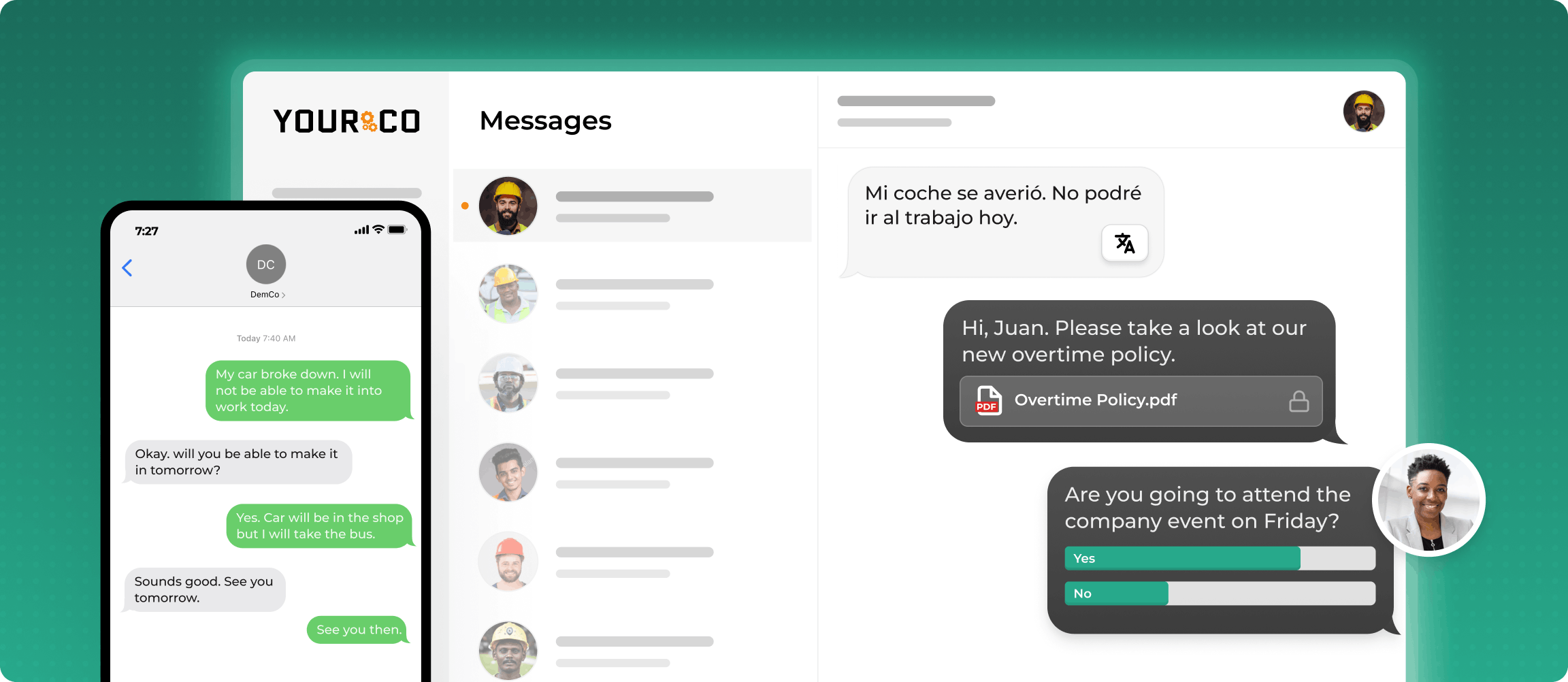
Yourco is an SMS-based employee communication platform where archiving is the default, not an add-on. Managers compose and send from a web dashboard, so no work conversation starts on a personal phone, and every message in both directions is captured with a timestamp and retained in the platform, including after an employee leaves. Core capabilities:
- SMS to any phone, including basic flip phones, with no app download, no Wi-Fi, and no cost to employees
- Two-way messaging, so call-offs, policy confirmations, and survey replies land in one archived channel
- Timestamped message logs retained in the platform and available after employee turnover
- AI-powered translation across 135+ languages and dialects, in each worker's preferred language
- Role-based access, so site managers see their teams while HR keeps a view across locations
Yourco connects to 240+ HRIS and payroll systems, keeping the employee directory aligned with those records.
Enterprise Bridge gives corporate leadership a one-way channel for company-wide policy and safety announcements across every location, while site managers keep two-way conversations with their own crews.
Frontline Intelligence gives HR and compliance leaders centralized visibility into messaging activity across locations, with volume and response activity by site and reports on call-off and attendance activity, rather than asking each plant what its supervisors sent.
"We use Yourco for our absence management and for sending out notices, reminders, and event announcements. It keeps everyone who needs to know informed when people are absent."
— Kyle Stover, HR Assistant, J-Lenco Inc.
After 90 days on Yourco, companies see two-way employee engagement reach 86%.
Try Yourco for free today or schedule a demo and see the difference the right workplace communication solution can make in your company.

Frequently Asked Questions About Text Message Archiving
What is text message archiving?
Text message archiving is the practice of capturing and retaining workplace texts in a system the company controls, with timestamps and metadata intact. It matters most for messages about pay, hours, leave, discipline, schedules, and safety, which serve as business records regardless of the device that carried them.
Which workplace texts should be archived?
Archive messages that document a decision: call-offs and attendance, schedule changes, safety notices, disciplinary and policy acknowledgments, and survey responses. Routine status texts such as "running late" are operational noise, and archiving everything indiscriminately buries the material that actually matters when a question arrives.
How long should employers keep workplace text messages?
Most employers match text retention to the underlying record type rather than setting a separate schedule for texts and applying it consistently. Periods vary by record type and jurisdiction, and an active dispute can pause routine deletion, so qualified counsel decides the schedule.
Do schedule-change texts need to be archived?
Predictive scheduling rules in Oregon and in cities including New York City, Seattle, Chicago, Los Angeles, and Philadelphia address posted schedules, later changes, and employee consent, and many covered employers keep the messages showing what was distributed. Coverage thresholds vary by industry and headcount, so confirm the position with qualified counsel.
Can employers archive texts on employees' personal phones?
Reaching into personal devices raises privacy questions and rarely produces a reliable record. The practical approach moves the company side of the conversation onto a company-owned number, which requires nothing of the employee's own device and keeps the record somewhere the company can actually retrieve it.
What is the best text message archiving approach?
The strongest approach captures every message automatically on a channel the company owns, preserves metadata and thread context, supports holds, and allows reliable search and export. SMS-based platforms like Yourco archive workplace texts by default, so records survive turnover and device changes.


