
Under the Telephone Consumer Protection Act (TCPA), non-consensual text messages can carry penalties of $500 to $1,500 per violation, and the average class-action settlement is $6.6 million. For HR teams managing frontline workforces across manufacturing floors, construction sites, and distribution centers, those numbers add up quickly when a single blast reaches hundreds of employees. The good news is that staying compliant doesn't have to be complicated. These 10 rules will help you build a mass texting program that keeps your team informed and your organization protected.
This information is for general awareness only. For specific compliance guidance, consult with qualified legal professionals.
TL;DR
- Collect written opt-in consent before sending any mass texts, and retain documentation for at least five years.
- Respect TCPA quiet hours (8:00 AM to 9:00 PM in the recipient's local time zone) and apply the most restrictive state rules across your workforce.
- Include opt-out instructions in every message and honor all opt-out requests within 24 hours, regardless of how they come in.
- Keep mass texts informational and work-related. Segment lists by location, department, shift, or language to maintain relevance.
- Protect sensitive employee data, maintain suppression lists, and train managers on compliance basics,
- SMS-based tools such as Yourco simplify compliance with built-in archiving, automated opt-out handling, role-based access controls, and HRIS integrations.
Rule 1: Collect Written Opt-In Before Mass Texting Employees
Most compliant mass texting programs start with documented consent. Many employers integrate consent collection into onboarding so new hires understand what to expect from day one. The key is making consent clear, voluntary, and well-documented. Framing it as "here's how we'll keep you in the loop" goes a long way.
A well-structured opt-in form commonly includes these elements:
- A clear agreement statement that the employee agrees to receive automated text messages
- Non-condition clause stating consent is not a condition of employment
- Frequency disclosure describing how often messages will be sent
- Purpose statement listing the types of messages employees will receive (schedule changes, safety alerts, policy updates)
- Opt-out instructions explaining that employees can stop receiving messages at any time, while noting that HR uses this channel as its primary communication with frontline teams. Employees who opt out may miss important company updates, schedule changes, and safety alerts. Encourage employees to speak with HR before opting out to explore alternative options.
Many organizations keep signed consent forms on file for at least 5 years. Paper forms work just as well as digital onboarding platforms for frontline teams without regular access to computers.
Sample Opt-In Policy Language
"[Company Name] may send automated text messages to your mobile number regarding work-related matters, including schedule changes, safety alerts, training reminders, and policy updates. Message frequency varies. Message and data rates may apply. Consent is not a condition of employment. Reply STOP to opt out at any time or contact HR at [contact info]."
Many employers adapt this type of language for their specific needs and have it reviewed by legal counsel before implementation.
Rule 2: Respect Quiet Hours When Mass Texting Employees
TCPA guidelines are generally understood to set permissible messaging hours based on the recipient's local time zone. Some states enforce stricter cutoffs, and many employers adopt conservative windows to build in a safety margin.
- Federal TCPA window: 8:00 AM to 9:00 PM recipient's local time
- Stricter states (FL, OK, WA): 8:00 AM to 8:00 PM
- Common moderate approach: 7:00 AM to 7:00 PM
The critical detail here is the recipient's time zone, not yours. A 9:30 PM send from New York reaches California at 6:30 PM, which is fine on the West Coast but violates quiet hours on the East Coast. Multi-location employers commonly apply the most restrictive state requirement across their workforce to keep things simple. For non-exempt employees, keep in mind that after-hours texts may also trigger overtime obligations under the Fair Labor Standards Act.
Rule 3: Include Mandatory Opt-Out in Every Mass Text to Employees
Clear opt-out instructions are one of the most straightforward compliance steps an organization can take. Best practice calls for every message to include a conspicuous way for employees to stop receiving texts. A simple "Reply STOP to opt out" at the end of each message is standard.
As of April 2025 (now fully enforceable in 2026), the FCC requires organizations to honor SMS opt-out requests through any reasonable channel, not just text replies, such as email, phone, or websites. If an employee calls HR, sends an email, or submits a web form, many compliance experts say that counts. Your team needs a system to consistently capture and process opt-outs across multiple channels.
- Text reply: Honor "STOP," "UNSUBSCRIBE," or similar keywords automatically
- Phone or in-person: Log the request and route it to the team managing your suppression list
- Email or web form: Confirm receipt and process within the same 24-hour window
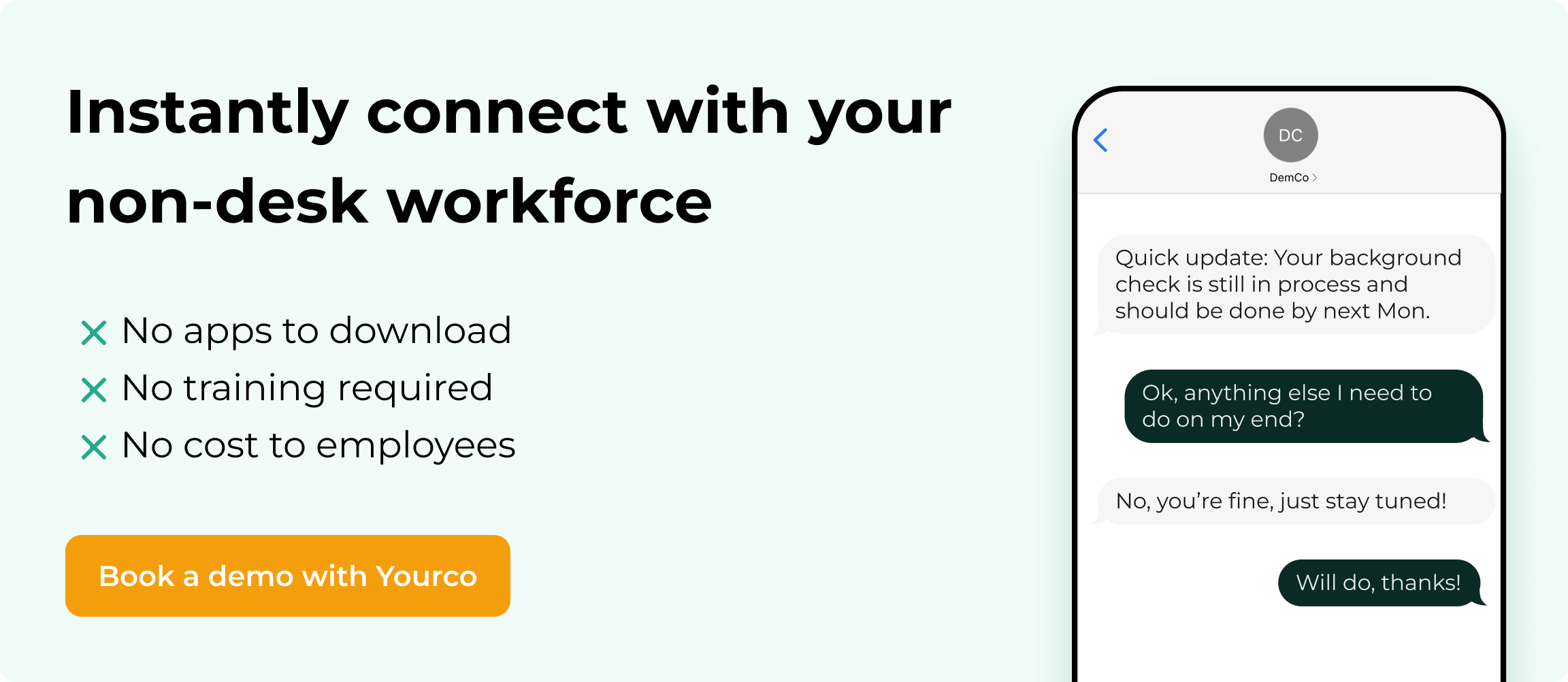
Rule 4: Handle Opt-Outs With Context and Care
When an employee requests to opt out, process it promptly. However, because workplace SMS is the primary communication channel between HR and frontline teams, it's important that employees understand what they'll miss. Schedule changes, safety alerts, policy updates, and payroll notices all flow through this channel. Before finalizing an opt-out, encourage the employee to connect with HR to discuss their concerns and explore alternatives, such as adjusting message frequency or categories.
If an employee still chooses to opt out after that conversation, confirm the request and document it. Make sure alternative communication methods are in place so the employee continues to receive critical operational information through another channel, such as posted notices or direct communication with the supervisor.
Rule 5: Keep Mass Texts to Employees Informational and Relevant
Not every message belongs in a mass text. Schedule changes, safety alerts, training reminders, and payroll deadline notices typically qualify for simplified consent. Promotional or marketing content, such as voluntary benefit plan promotions or company store offers, requires stricter prior express written consent.
The safest approach is to keep mass texts purely informational and use separate channels for anything promotional.
- Typically appropriate for mass text: Schedule changes, safety alerts, training reminders, payroll deadline notices, weather closures
- Better suited for other channels: Voluntary benefit promotions, company store offers, employee referral incentive campaigns
Rule 6: Segment Mass Texting Employee Lists for Relevance
Sending every message to every employee increases the risk of opt-outs and reduces the impact of critical communications. Segmenting your lists ensures messages reach only the people who need them. Here's how segmentation works in practice:
- By location: Send weather-related closures only to affected sites
- By department: Share production schedule changes with floor teams, not office staff
- By shift: Deliver shift-specific updates to the right crews
- By language: Reach multilingual teams in their preferred language
Nobody wants to wade through messages that don't apply to them. According to Yourco research, 64% of HR leaders say frontline workers are significantly harder to reach than desk-based employees. Sending targeted, relevant messages to the right groups is the difference between a text that gets read and one that triggers an opt-out.
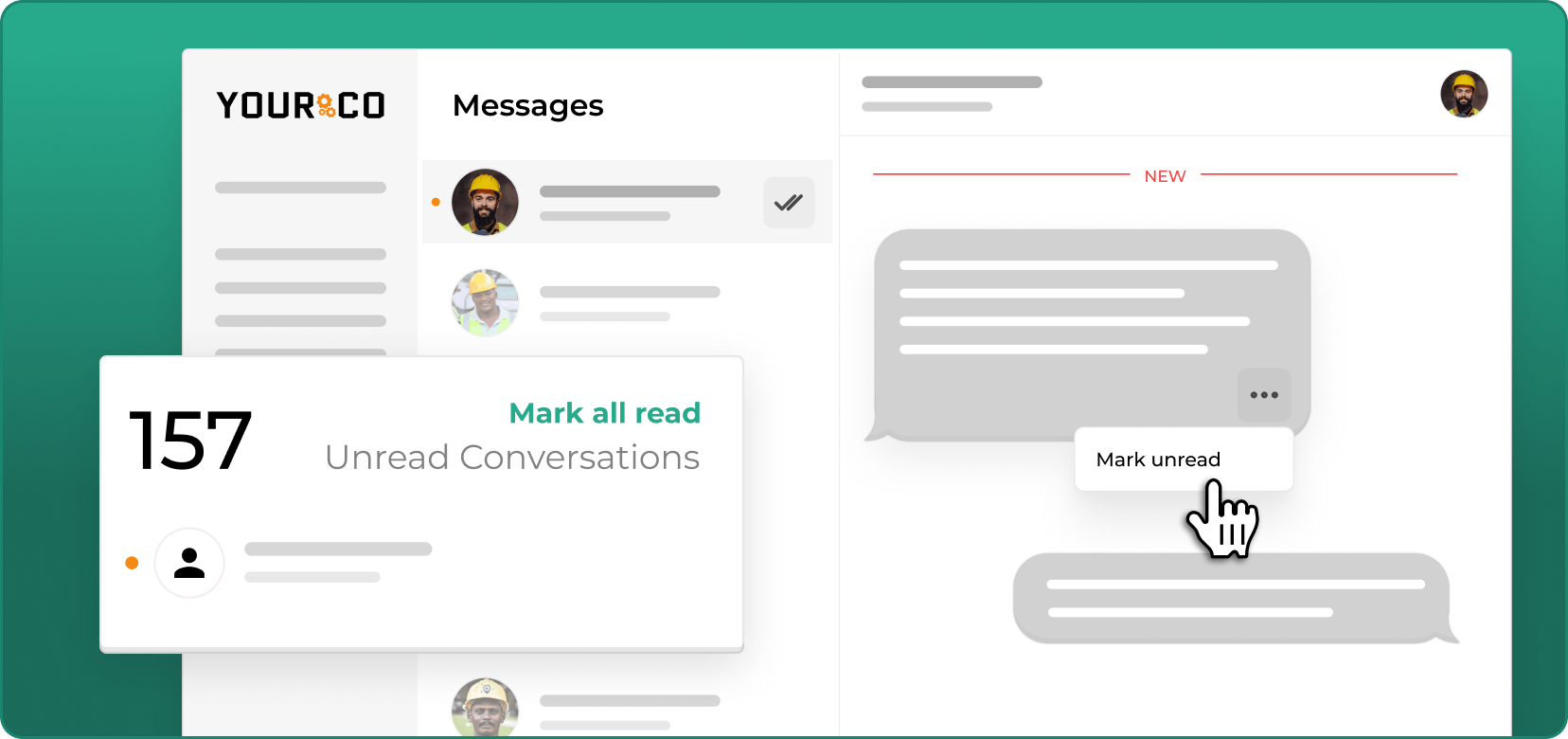
Rule 7: Maintain Suppression Lists for Mass Texting Employees
An active suppression list (aka Do Not Contact list) prevents messages from being sent to employees who have opted out of messaging; check it before every send. FCC rules require updates within 10 business days (or 10 minutes for automated systems).
Regular audits of your suppression list accuracy help prevent accidental messages to opted-out employees, which can trigger per-message penalties.
Rule 8: Protect Sensitive Data When Mass Texting Employees
Text messages are discoverable legal records, so what you include matters as much as how you send them. Many employers avoid transmitting sensitive information through standard SMS entirely. This includes:
- Individual wage details
- Social Security numbers or other PII
- Disciplinary actions or performance discussions
- Medical or health-related information
For these categories, secure alternatives like password-protected portals or in-person conversations are recommended.
Rule 9: Document All Mass Texting Employee Consent and Interactions
If it's not documented, it didn't happen. HR teams commonly maintain records in three categories:
- Consent documentation: Signed opt-in forms with dates
- Operational message records: Message content, timestamps, and recipient lists
- Opt-out logs: Date of request, method received, and processing time
Industry practice recommends retaining employee text records for at least 5 years, exceeding the federal 3-year minimum for most employment records. Your workplace texting policy should formalize these requirements so that every team member knows what to preserve (and for how long).
Rule 10: Train Managers on Mass Texting Employees Compliance
Supervisors who send texts on behalf of the organization benefit from understanding the rules and maintaining a professional tone. Without proper training, even well-intentioned managers can create compliance exposure. A quick-reference checklist helps:
- Send messages only during approved hours in the recipient's time zone
- Include opt-out language in every message
- Never share sensitive employee information via text
- Keep messages brief, professional, and work-related
- Document any opt-out requests received verbally or in person
Stay Compliant and Reach Every Employee With Yourco
Following these rules doesn't have to mean more work for your HR team. Yourco handles the compliance process for you, from consent tracking and opt-out management to message archiving and audit-ready documentation, so you can focus on reaching your frontline workforce instead of worrying about regulatory requirements.
Yourco is built specifically for this challenge. The platform provides a compliant SMS channel that works on any phone, including flip phones, with no app downloads or Wi-Fi required. Every message is automatically archived with tamper-proof timestamps, creating the audit trail you need without manual record-keeping. Role-based access controls let you manage who can send what, and segmentation by location, department, shift, or custom groups ensures that messages reach only the right people.
- For multilingual workforces, Yourco's AI-powered translation across 135+ languages automatically delivers every message to each employee in their preferred language. Two-way messaging lets employees respond, report absences, or ask questions directly via text. With 240+ HRIS integrations for payroll and workforce systems, your employee directory stays up to date without manual uploads. After 90 days on Yourco, companies see two-way employee engagement reach 86%.
- Enterprise Bridge enables corporate leadership to send controlled, one-way announcements to every location simultaneously, while local managers maintain direct two-way conversations with their teams.
- Frontline Intelligence turns daily messaging data into actionable insights, helping HR teams track which locations have the highest engagement, identify message fatigue before it leads to opt-outs, and monitor communication patterns across shifts and departments.
- For a deeper look at why SMS outperforms other channels for frontline teams, explore Yourco's Closing the Comms Gap research, based on a survey of 150 HR leaders.
"Yourco has helped to change the way we communicate at McCarthy Auto Group. We have nearly 700 employees and 80% are non-desk based, communication is a challenge. Yourco provides a quick easy way to reach everyone within our organization and a secure way for employees to reach HR and leadership without a computer."
— Felisha Parker, VP Human Resources, McCarthy Auto Group
Try Yourco for free today or schedule a demo and see the difference the right workplace communication solution can make.
Frequently Asked Questions about Mass Texting Employees Rules
Do TCPA rules apply to employer text messages sent to employees?
Many legal experts confirm that TCPA guidelines apply to employer mass text messaging when automated systems are used, even for work-related communications. Documented opt-in and opt-out processes are still considered essential. Consulting with qualified legal professionals about your specific situation is always recommended.
What happens if an employee opts out of mass texts but still needs schedule updates?
Many employers maintain separate message categories so employees can opt out of general announcements while continuing to receive critical operational messages, such as schedule changes or safety alerts. Some organizations manage category-specific preferences, giving employees the flexibility to stay connected to the updates that matter most to their roles.
How long should we keep records of employee consent to text messages?
Industry practice calls for a minimum five-year retention period for all consent documentation, message logs, and opt-out records. This exceeds the standard three-year retention period for most employment records.
Can managers use personal phones to text employees about work?
Using personal phones for work-related texts creates significant compliance risks, including a lack of message archiving, no audit trail, and potential privacy violations. Dedicated platforms like Yourco provide centralized archiving, role-based access controls, and automatic audit trails that personal phones cannot offer.
What content should never be sent through mass employee texts?
Many employers avoid sending individual wage details, Social Security numbers, disciplinary information, or health-related data through standard text messaging. These categories fall under separate privacy protections and are better handled through secure channels or in-person conversations.