

You identify which crews have the most communication issues by tracking response times, message volume, and task completion, then comparing those numbers by crew, site, and shift. On a job site, confusion shows up as small things first: one crew keeps asking the office to resend specs, another rarely confirms a safety alert. Those signals cluster around particular crews, sites, and shifts, and those clusters tell you where coordination is failing. Construction employee insights are how you read them, using communication data, field observation, and direct feedback from crews.
TL;DR
- Watch for conflicting status reports, repeated explanations, mounting rework, and low reply rates. They cluster by crew, shift, and phase rather than appearing at random.
- Compare crews on response time, message volume, and task completion after a message lands, then segment by site, shift, and subcontractor.
- Give the shift dimension its own cut. Night and day crews often diverge on response time, and the same site can drop every Friday.
- Pair the numbers with supervisor logs and anonymous crew feedback. Data shows where information stalls; only people explain why.
- Fix the common causes with standardized daily updates, visual backup in noisy zones, a clear chain of command, timed reminders, and one information anchor per crew.
- SMS-based platforms like Yourco reach every crew member on any phone and record who replied and how fast, so you can compare responses without a manual audit.
What Are the Early Warning Signs of Crew Communication Problems?
Conflicting reports, recurring confusion, repeated explanations, unresolved problems, rework, and low response rates are the early warning signs of communication problems within a construction crew.
Information problems rarely come out of nowhere, and most HR leaders already feel the shortfall: 88% say they need a reliable way to reach frontline employees, while only 55% are confident they have one, according to a Yourco-commissioned survey of 150 HR leaders. The signs are predictable, and they show up long before delays, safety scares, or budget hits.
Watch for these during walk-arounds, daily communications, and progress reviews:
- Conflicting status reports between the office and the field
- Recurring confusion about plan changes or updates
- Tasks that require supervisors to explain instructions more than once
- Lingering problems with no clear owner
- Mounting rework and quality slips
- Low response rates to important messages or check-ins
These signs rarely appear alone. They cluster around specific crews, shifts, or project phases, which is what makes them trackable. When electricians keep asking the office to resend specs, that same crew often shows higher rework rates because outdated drawings lead to incorrect installs.
Catching the first hint of confusion lets you step in, clarify the update, and prevent the re-do that follows. Track patterns rather than isolated events, because a pattern points to communication between managers and employees on one crew, not one bad day.
How Can I Compare Communication Data Across Crews, Sites, and Shifts?
Compare construction crews, sites, and shifts by tracking response times, message volume, and task completion, then segmenting the results by site, shift, or subcontractor.
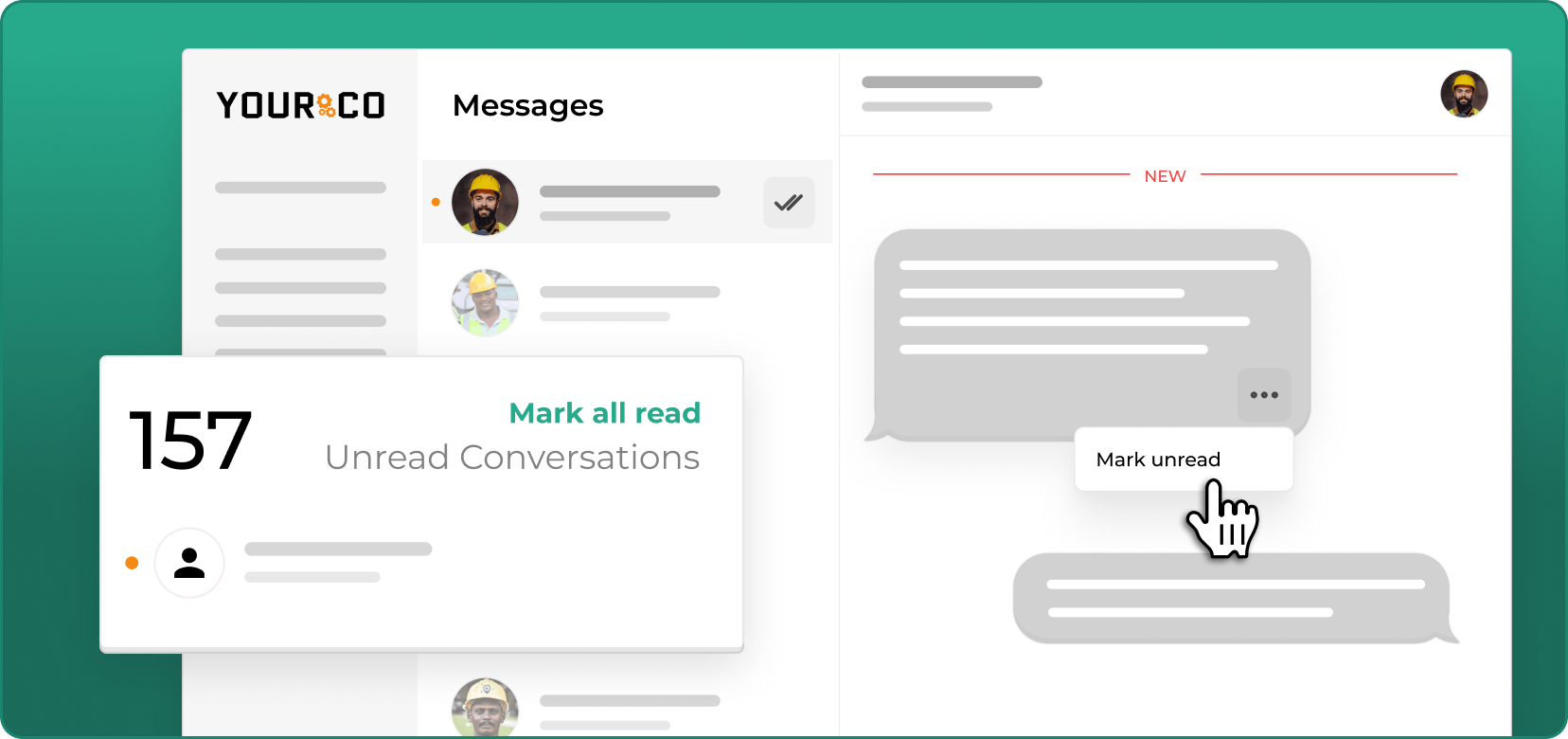
Tracking how quickly crews confirm and act on updates surfaces the teams that are slipping before a missed instruction turns into rework. Text messaging makes this comparison possible on a job site because it reaches every phone without an app or a login. A 98% read rate within 90 seconds of delivery is the industry-standard benchmark for SMS, so a crew that goes quiet on text is telling you something real, not an inbox nobody opens.
What Metrics to Track
Track these metrics to identify struggling teams:
- Response rates: Critical alerts such as safety warnings or schedule changes immediately show which teams engage with important information and which don't.
- Average response time: Comparing urgent messages against routine ones reveals whether crews understand priorities.
- Total message volume: Counted per crew, site, or shift, this catches teams that are either overwhelmed or disengaged.
- Percentage of requested tasks completed: Measuring completion after a message lands tells you whether updates drive action.
- Engagement rate: Tracked per message or campaign, this separates teams that receive messages but never interact with them, which often signals confusion, low trust, or a manager who needs more support.
When one crew confirms every safety text within minutes and another takes hours, the data tells you where information stalls. Low task-completion numbers usually confirm the problem runs deeper than slow replies and that instructions aren't sticking.
Great Day Improvements (GDI), a vertically integrated, direct-to-consumer provider of premium home improvement products with frontline employees across 338 locations in the United States and Canada, lifted its overall Communication Score from 49% to 53% after consolidating frontline communication onto a single SMS channel. Before that, a company running many sites had no common measure to compare them on.
How Do I Identify Which Shifts Have the Most Communication Issues?
Segment response time, engagement, and task completion by shift over a rolling period, then compare patterns across crews, sites, and subcontractors, and validate with field feedback.
How to Analyze the Data
Raw numbers mean little until you break them down.
Patterns matter more than single spikes, so chart the trend over several weeks before drawing a conclusion.
Metrics tell you where a crew is struggling. Conversations tell you what's happening. Only the people on site can tell you why. On SMS-based platforms like Yourco, Frontline Intelligence ties the three together: it analyzes communication patterns across every site at once and surfaces disengagement trends, recurring safety mentions, and coordination bottlenecks that a manual review of one site at a time will miss. HR leaders can ask directly, "What are the top communication issues this month?" or "Which crews are raising the same concerns?", and get an answer with the underlying conversations attached.
How Can I Pair Communication Data With On-the-Ground Feedback?
Pair crew communication metrics with supervisor check-ins, quick logs, and worker feedback to understand why response times or task completion differ between crews.
Numbers show where the cracks are; only talking to people explains how they formed. A crew might post the lowest response rate on the board, but that number alone won't explain why. Daily supervisor check-ins surface what the metrics miss: repeated questions about the same task, instructions lost to machine noise, workers unsure who owns an issue. When supervisors record those moments in a short log, patterns emerge fast.
Crew voices complete the picture. Yourco sends a one-question poll to every crew member at shift end, which can pinpoint a blind spot in minutes. Ask something plain, such as "Did today's updates reach you on time?" An anonymous option matters, because many workers stay quiet if they expect blame. Feedback also strengthens the safety climate on site: research published in 2025 found that both supervisor and peer safety communication predicted safer behavior among construction workers, with peer-to-peer communication stronger.
Blend the two data sets and the root cause usually surfaces: language barriers, unclear authority lines, or a noisy zone that garbles radio calls. Use simple, repeatable questions to dig deeper, the same root-cause framing behind employee exit survey questions, asked while the crew is still on site rather than on the way out:
- What instructions felt unclear today?
- Who do you go to when a drawing changes?
- When did the last safety alert miss your crew?
- Which language would make messages easier to read?
Track the answers alongside the response data, and you will know which crews need help and which fix will hold.
How Can I Fix Crew Communication Breakdowns With Simple Processes?
Fix construction crew communication breakdowns with consistent daily updates, visual backup, a clear chain of command, strategically timed reminders, and a designated information anchor.
Clear, fast, accessible information turns most coordination headaches into quick wins. When crews miss updates, the cost shows up as rework and delays. Five fixes cover the common causes:
- Standardize daily updates: send a short SMS at the same time every day, so crews know exactly when and where new instructions appear. Keep the message brief and multilingual, in plain language that lands on mixed-language teams.
- Add visual backup for noisy zones: pair text updates with color-coded boards or laminated diagrams. These cut through engine noise better than shouted directions and give workers a reference they can check all day.
- Clarify who is in charge: post a chain of command on a pocket-size organizational chart, so workers know who approves changes and who owns each task.
- Time messages strategically: schedule SMS reminders two hours before critical activities such as concrete pours, which gives crews time to prepare rather than react.
- Designate an information anchor: name one person per crew to answer questions and escalate issues early.
Pair these processes with text-based updates, and crews get the information they need when they need it, with no extra technology on site.
How Do I Monitor Progress and Keep Crews Aligned Over Time?
Monitor construction crew communication weekly by reviewing response times, rework, hazard reports, message volume, and inspection pass rates alongside field feedback.
Tracking the same numbers week after week catches small problems before they become schedule slips.
Start with the metrics that uncovered the problem. If a crew's average SMS response time fell from two hours to twenty minutes, watch it. When it creeps back up, something on site has changed.
Key signals to review each week:
- Faster replies to urgent updates
- Fewer change-order questions and do-overs
- A steady rise in hazard reports and near-miss logs
- Message volume that stays even across shifts and subcontractors
- Inspection pass rates that improve as instructions stay clear
Set a rhythm: pull the dashboard every Friday, talk the outliers through with foremen, and keep a monthly trend chart. Patterns surface quickly. One crew might slip as the project moves to night work, another as temperatures rise.
Then link the numbers back to field feedback. If response times slow and supervisors mention noise on a new site, the fix is in front of you. Absence data reads the same way, and the framework for reading absenteeism patterns in manufacturing segments call-offs by shift, supervisor, and season, which is the same cut you are already making on messages.
Spot Crew Communication Breakdowns in Real Time With Yourco
Coordination breakdowns move fast on a construction site, and the fix is a single channel every crew member can reach plus a record of who answered. Yourco does both over SMS, so a site change, a safety alert, or a shift reminder arrives on any phone the moment it matters, and the response pattern is captured as it happens.
Yourco's core capabilities cover the mechanics:
- Two-way SMS to any phone, including basic flip phones, with no app download and no data plan required
- AI-powered translation across 135+ languages and dialects, so a crew reads the update in its own language
- Segmentation by location, department, shift, or subcontractor group, so a site-specific change reaches only that site
- Full message archiving with timestamps, which gives every exchange an audit trail
Yourco's 240+ HRIS and payroll integrations keep crew rosters, site assignments, and shift codes current, so comparisons across crews aren't distorted by a stale contact list.
Enterprise Bridge gives corporate leadership a one-way channel for company-wide safety directives and policy updates to every site at once, while superintendents keep their own two-way conversations with their crews.
Frontline Intelligence gives operations and HR leaders one centralized view of crew communication across every project. Leadership can compare response rates by site, shift, and subcontractor on the same definitions, see which locations raise safety concerns most often, and act on a coordination problem while it is still forming rather than after the rework is booked.
"Yourco has helped me streamline communication between the field and the corporate office. The software is easy to use, and their service department is always available to help when needed."
— Roxana Abreu, HR Director, Central Civil Construction
After 90 days on Yourco, companies see two-way employee engagement reach 86%.
Try Yourco free today or schedule a demo to see the difference the right workplace communication solution can make for your company.

Frequently Asked Questions About Construction Crew Communication
Which Metrics Show Communication Problems Fastest on Construction Sites?
Response time to urgent messages and completion rates for requested tasks give the clearest signal. When a crew takes hours to confirm a safety alert or repeatedly misses action items, you are seeing a coordination breakdown before it causes a delay. Track both weekly by crew and by shift.
How Do I Get Honest Feedback From Crews About Communication Issues?
Anonymous SMS polls work better than face-to-face questions, because workers worry about blame. Ask one plain question at shift end, such as "Did you get the updates you needed today?" Keep it quick to answer, and patterns appear within a week.
What Causes Some Crews to Miss Updates While Others Stay Informed?
Language barriers, noisy work zones, unclear authority chains, and inconsistent message timing account for most missed updates. Comparing a high-performing crew to a struggling one usually comes down to those four. Fix the largest barrier first and watch response rates move.
How Often Should I Review Crew Communication Data?
Weekly reviews catch small problems before they grow. Pull the dashboard every Friday, compare response times across crews, and flag any team that slips below the four-week average. Monthly trend charts surface seasonal and project-phase patterns.
Can SMS Improve Coordination Better Than Radios or Bulletin Boards?
SMS-based platforms like Yourco reach any phone without an app or an internet connection, work in noisy zones where radio calls get lost, and record who saw what and when. Radios are drowned out by equipment, and bulletin boards miss anyone who arrives between shift changes or works off-site. The record is the part radios and boards cannot give you.


