Frontline turnover is expensive, disruptive, and often preventable, with quit rates exceeding 20% annually in construction and 26% in transportation/warehousing, according to BLS JOLTS data.HR teams need more than spreadsheets to stay ahead of retention, engagement, and productivity challenges across dispersed locations. The right employee analytics platform transforms scattered workforce data into actionable insights that help you spot flight risks early, measure engagement across sites, and keep operations running at full capacity. This guide walks you through the features, selection criteria, and platform comparisons that lead to real results.
TL;DR
- Frontline industries lose up to 1 in 4 workers each year, with replacement costs starting at $1,500 per hourly worker.
- The best employee analytics platforms offer real-time dashboards, predictive turnover modeling, cross-location benchmarking, and mobile accessibility for managers on the floor.
- Start with a phased pilot of 50--200 employees before scaling, and pair analytics with role-specific training so managers act on insights quickly.
- Analytics only drive results when you can reach employees and get them to act on what the data reveals. SMS-based communication closes this gap for frontline teams without email or app access.
Understand Why an Employee Analytics Platform Matters for Retention
Before evaluating any employee analytics platform, understand what's at stake for every frontline turnover. With average replacement costs hitting $45,236 per employee in 2026 (up from $36,723 last year), the financial impact becomes staggering.
The right platform doesn't just track these numbers; it also helps you understand them. It helps you identify patterns before employees leave, measure engagement across locations, and give managers time to intervene. For dispersed teams spread across multiple sites and shifts, analytics also reveal where productivity bottlenecks and staffing misalignments hide.
Identify Must-Have Employee Analytics Features for Dispersed Teams
Not all employee analytics platforms deliver equal value for frontline workforce management. When evaluating options, focus on capabilities that directly address the challenges of shift-based, multilingual, and multi-location teams.
Real-time dashboards sit at the core of effective workforce analytics. You need visibility into what's happening now across every site, not what happened last quarter at headquarters. Look for platforms that provide automated alerting when patterns shift and role-based views that let regional managers compare performance across locations.
Beyond basic reporting, prioritize these capabilities:
- Predictive turnover modeling that identifies at-risk employees before they resign using engagement scores, attendance patterns, and manager interaction data. Employees lacking early manager meetings show significantly higher flight risk.
- Cross-location benchmarking that normalizes data across sites with different workforce compositions, so you can compare engagement, absenteeism, and productivity apples-to-apples.
- Engagement and productivity tracking through pulse survey analytics, sentiment scoring, and scheduling optimization, linking communication patterns directly to operational outcomes such as reduced overtime and lower absenteeism.
- Mobile accessibility that lets managers check team metrics on the floor or job site, which matters for 24/7 operations and distributed frontline workforces.
Evaluate Key Selection Criteria for Your Employee Analytics Platform
Features matter, but successful implementations depend on getting the foundational requirements right. Use these criteria to separate platforms that look good in demos from those that deliver long-term value.
- Data Quality and Governance: Your analytics are only as reliable as your underlying data. Ask vendors about automated validation mechanisms and how they handle duplicates and inconsistencies across integrated systems. For multi-location operations, confirm that the platform normalizes data across different HRIS configurations to ensure cross-site comparisons remain accurate.
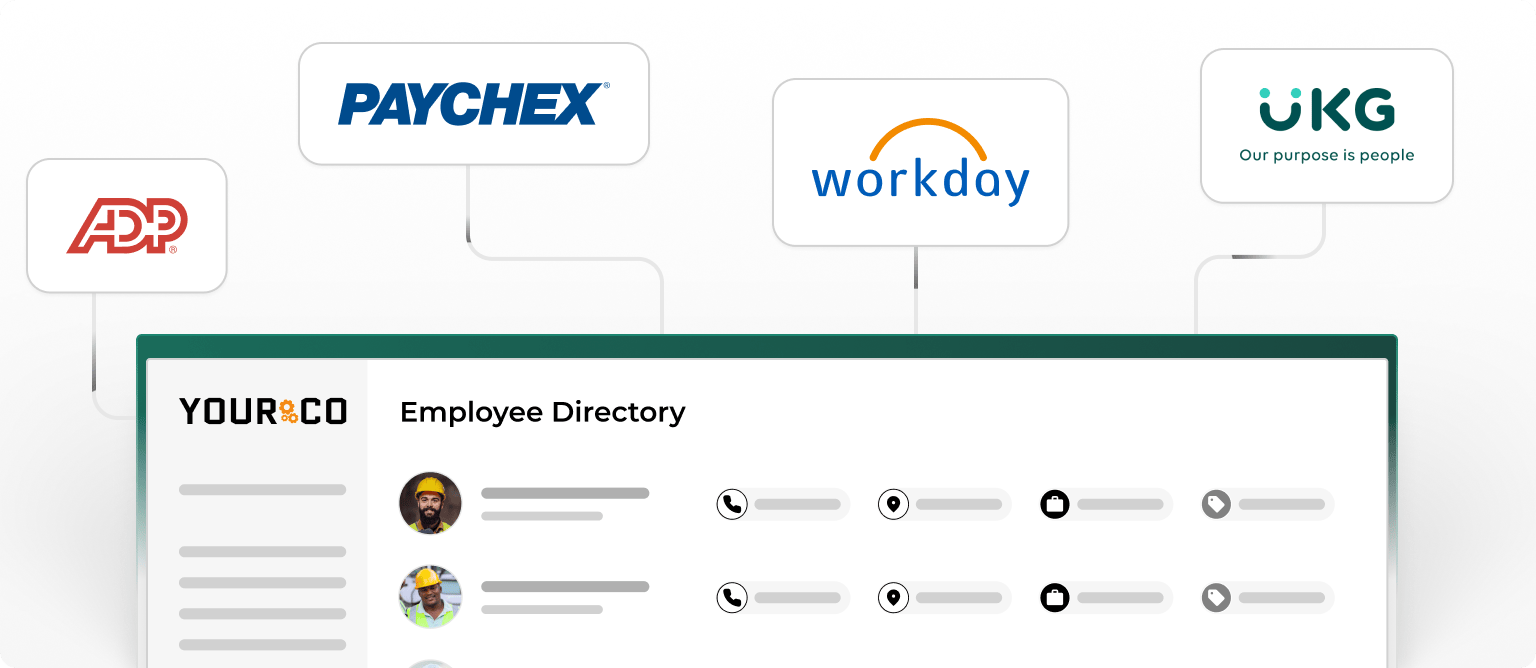
- HRIS and Payroll Integration: Seamless connections with your existing systems eliminate manual data entry and ensure analytics reflect the current workforce reality. Verify bidirectional data flow, confirm synchronization frequency, and ensure a sandbox environment is available for testing before deployment.
- Scalability for Growth: Evaluate platforms against both current needs and projected growth. Request performance benchmarks including query response times, concurrent user limits, and system uptime SLAs. If you plan to expand to new locations, confirm that the platform supports adding sites without re-implementation.
- Security and Compliance: Many organizations prioritize platforms with SOC 2 Type II certification and ISO 27001 compliance. SOC 2 Type II reports covering 6- 12 months of operational control testing are significantly more valuable than Type I point-in-time assessments.
This information is for general awareness only. For specific compliance guidance, consult with qualified legal professionals.
ROI Alignment: Define baseline metrics for turnover costs, absenteeism, engagement scores, and manager productivity before implementation. Vendors should demonstrate how their analytics track improvement against these baselines and connect platform capabilities directly to measurable business outcomes.
Compare the Best Employee Analytics Platforms
Selecting the right employee analytics platform requires understanding how leading solutions stack up against your specific needs. The table below provides a high-level overview, followed by a closer look at each option.
1. Yourco: Best for Frontline and Non-Desk Workforce Intelligence
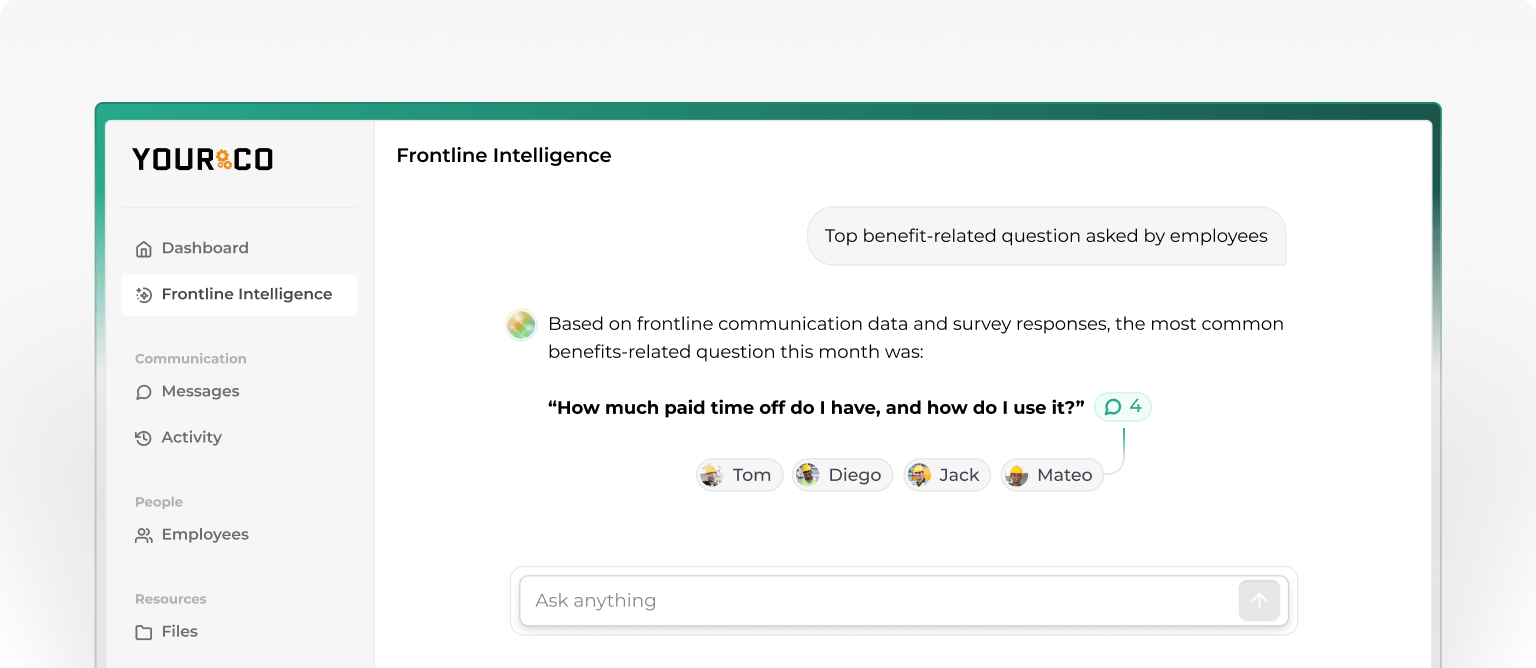
Yourco takes a fundamentally different approach to workforce analytics. Instead of relying on quarterly surveys or manager-filtered reports, Yourco transforms everyday SMS interactions into real-time intelligence. Every absence report, shift confirmation, safety alert, and employee response that flows through the platform becomes a data point that feeds AI-Powered Frontline Intelligence dashboards.
This matters for manufacturing, logistics, and other frontline-heavy operations because the data comes directly from workers rather than being filtered through layers of management. The platform captures response rates, message activity, and sentiment patterns across locations, then surfaces trends like disengagement signals, absenteeism hotspots, and safety concerns before they escalate. Leaders can prompt the system with questions such as "What's employee sentiment been like this month?" or "Where are we seeing early signs of turnover risk?" and receive location-level answers based on actual frontline data.
Yourco integrates with 240+ HRIS and payroll systems, so analytics stay in sync with your existing workforce infrastructure. AI-powered translation across 135+ languages ensures you capture insights from your entire workforce, not just English-speaking employees. Built-in polls and surveys provide structured feedback channels, while every interaction is time-stamped and archived for compliance. After using Yourco for 90 days, two-way employee engagement increased to 86%, turning previously unreachable workers into active participants in your analytics ecosystem.
Best for: Organizations with large frontline or non-desk workforces that need real-time analytics from populations traditional platforms can't reach. Pairs with any HRIS or scheduling tool to add an intelligence layer built on actual employee communication data.
Pricing: Free plan available; Pro and Enterprise tiers with expanded features. Pilot programs are available for businesses of all sizes. Try Yourco for free or schedule a demo.
2. UKG Ready: Best for Manufacturing and Multi-Location Logistics
UKG Ready excels for manufacturing and multi-location logistics operations needing sophisticated scheduling optimization and labor cost analytics. Its Bryte AI engine builds smarter schedules based on demand forecasting and employee preferences, helping managers reduce overtime and fill coverage gaps before they affect production. The platform's cross-location reporting lets regional leaders compare absenteeism, engagement, and labor spend across every facility from a single dashboard.
Best for: Large manufacturing and logistics operations (500+ employees) that need AI-assisted scheduling, shift-based workforce tools, and robust multi-site reporting. May be feature-heavy for smaller operations. Analytics primarily draw on scheduling and time-clock data, so facilities that need direct sentiment or engagement signals from workers who don't log in to apps may need a complementary data source.
3. ADP Workforce Now: Best for Multi-State Compliance and Benchmarking
ADP Workforce Now delivers robust analytics and market benchmarking through its DataCloud platform, which is particularly valuable for construction companies managing multi-state compliance. DataCloud lets you compare your turnover rates, compensation, and overtime trends against industry benchmarks, so you know whether your numbers reflect a company problem or an industry-wide pattern. The platform's established payroll infrastructure makes it a reliable choice when compliance accuracy across multiple jurisdictions is a top priority.
Best for: Construction and multi-state operations where payroll compliance and industry benchmarking are top priorities. Quote-based pricing varies widely, and implementation can be time-consuming. Benchmarking data is powerful for strategic planning, but reflects historical trends, so teams that need real-time engagement signals from frontline workers without email access may need an additional layer to capture them.
4. Dayforce HCM: Best for Variable-Demand Labor Cost Analytics
Dayforce HCM provides continuous payroll calculations that show the real-time impact of overtime and shift changes. This makes it a strong fit for logistics and variable-demand operations where labor costs fluctuate daily. Managers can see how schedule adjustments affect wages before finalizing changes, helping control costs during peak periods. The platform also automatically tracks compliance rules across regions, reducing the risk of violations as your workforce moves between locations.
Best for: Logistics and variable-demand operations where labor costs fluctuate daily, and managers need real-time visibility into how schedule adjustments affect wages. Has a steeper learning curve for full feature utilization. Analytics center on payroll and scheduling patterns, which means insights into employee sentiment, safety concerns, and engagement require separate survey tools or a communication layer that captures frontline voice directly.
5. Paycor: Best for Mid-Sized HR Analytics Fundamentals
Paycor stands out for transparent pricing in an industry where quote-based models dominate. Its built-in applicant tracking system and straightforward analytics make it a cost-effective option for mid-sized companies that need solid fundamentals without enterprise complexity. The platform covers core HR analytics, including turnover tracking, headcount reporting, and compensation analysis, giving growing organizations a clear starting point before they need more advanced predictive tools.
Best for: Mid-sized companies that need solid HR analytics fundamentals, transparent pricing, and a built-in ATS without enterprise complexity. May lack depth for enterprise-scale operations or advanced predictive modeling. Analytics relies on structured HR data such as headcount and turnover, so organizations with large multilingual or non-desk populations may find gaps in real-time engagement and sentiment visibility.
6. Paylocity: Best for Mobile-First Hospitality and Retail Teams
Paylocity prioritizes the mobile experience, which is critical for hospitality and retail operations, where workers rely on smartphones for schedule access and shift updates. Its on-demand pay feature helps retain employees in high-turnover environments by allowing them to access earned wages before payday. The platform's community and engagement tools also enable managers to track participation and sentiment, though full analytics capabilities are available only in the premium tier.
Best for: Hospitality and retail operations where workers rely on smartphones for schedule access, and on-demand pay helps retain workers in high-turnover environments. A premium tier is required for full analytics capabilities. Because engagement features rely on app adoption, teams with workers who lack smartphones or consistent data plans may see incomplete analytics coverage across their full workforce.
Implement Your Employee Analytics Platform in Phases
Even the best employee analytics platform fails without proper implementation. Phased rollouts outperform big-bang deployments, with 8–12-week pilot programs involving 50–200 employees recommended as a starting point. Select departments with engaged managers and existing pain points that the analytics can address immediately. Choosing a high-turnover location for your pilot gives you the clearest signal on whether the platform delivers actionable insights fast enough to justify expansion.
Training requirements vary by role. Stagger sessions across the pilot period so teams absorb the information without losing productive time.
Close the Frontline Communication Gap With Yourco
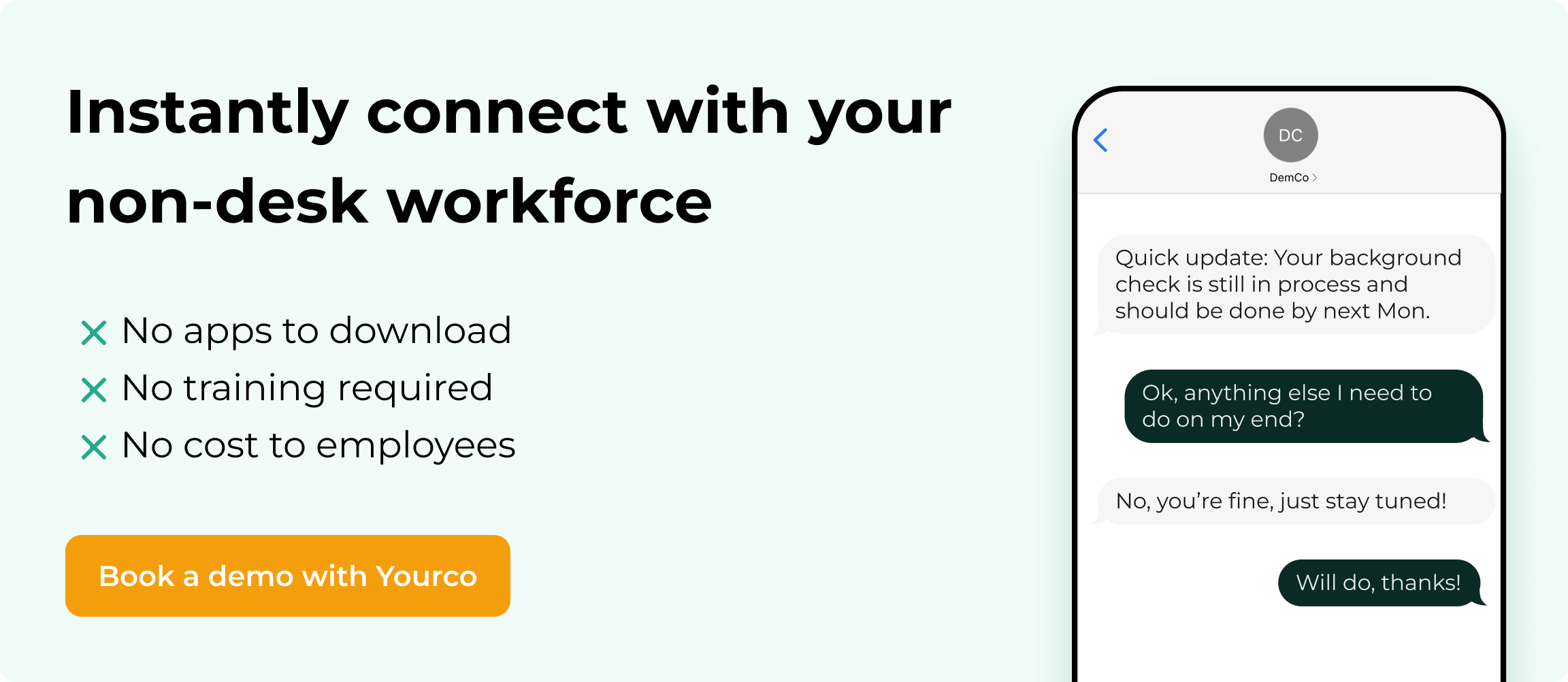
An employee analytics platform tells you where the problems are, but the data sits unused if you can't reach frontline employees to act on those insights. Most analytics tools assume that workers check email, download apps, or log in to portals. Yourco closes this gap by turning simple text messaging into a communication and intelligence layer that makes your analytics actionable.
- SMS-based communication that reaches every employee on any phone, including basic flip phones, with no apps, logins, or downloads required
- 98% open rates, so retention interventions, engagement surveys, and schedule updates reach the employees who need them
- Automatic translation across 135+ languages and dialects to ensure every worker receives messages in their preferred language
- Targeted messaging by location, department, shift, or role to keep communication relevant across dispersed teams
- Built-in surveys and two-way messaging to collect feedback, confirmations, and pulse check responses directly via text
- Integrations with 240+ HRIS and payroll systems to keep employee data automatically in sync with your analytics platform
- Real-time delivery tracking so managers know exactly who received each message and can follow up where needed
- Full message archiving with audit trails to support compliance, recordkeeping, and dispute resolution
- Yourco's Enterprise Bridge gives leadership real-time visibility across decentralized locations. Instead of relying on location managers or waiting for monthly reports, leaders can access live communication data and workforce analytics from every site in one centralized view, making it the ideal analytics layer for multi-location operations.
- Frontline Intelligence analytics that turn everyday SMS interactions into insights on engagement, safety signals, sentiment trends, and workforce risks
- Free trial and demo available to see how SMS-first communication improves reach, engagement, and visibility across your organization
Yourco's Frontline Intelligence turns daily communication data into real-time insights on engagement, safety concerns, sentiment trends, and workforce risks, giving leaders visibility into populations that traditional analytics tools miss. After 90 days of using Yourco, two-way employee engagement increased to 86%.
Try Yourco for free today or schedule a demo and see the difference the right workplace communication solution can make in your company.
Frequently Asked Questions about Employee Analytics Platforms
How much does an employee analytics platform typically cost?
Pricing varies based on company size, selected modules, and implementation scope. Estimated costs range from $15 to $60 per employee per month. Request detailed quotes from multiple vendors and budget extra for add-ons, implementation services, and training.
How long does implementation typically take?
Most successful deployments begin with an 8- 12 week pilot program involving 50--200 employees before expanding organization-wide. Timeline varies based on integration complexity, the number of locations involved, and organizational size.
What security certifications should I look for in a vendor?
Prioritize SOC 2 Type II certification, which demonstrates operational control effectiveness over time rather than a single point-in-time snapshot. ISO 27001 confirms comprehensive security management. For international workforces, verify GDPR compliance and data residency options.
Can these platforms integrate with our existing HRIS?
Leading platforms offer pre-built integrations with major HRIS systems, including Workday, ADP, UKG, and SAP SuccessFactors. Verify whether integrations are bidirectional and how frequently data synchronizes between systems.
How do I measure ROI on an employee analytics platform?
Define baseline metrics before implementation, including turnover costs, time-to-hire, absenteeism rates, and engagement scores. Track improvements quarterly. Successful implementations typically show measurable gains in retention and reduced manual reporting within six months.
What training do HR teams need to use these platforms effectively?
Plan for role-specific training. Executive sponsors typically need 4- 6 hours focused on dashboard interpretation and ROI measurement. HR teams require 16-24 hours to cover platform navigation, data interpretation, and compliance protocols. Line managers benefit from 2-4 focused hours to assess team metrics and act on insights. For more on building effective workplace training programs, see our detailed guide.