
SHRM’s research shows that retaining frontline workers is harder than retaining office staff (non-desk turnover is 1.6 times higher), meaning HR teams in manufacturing, logistics, and healthcare are perpetually onboarding, collecting certifications, and chasing compliance documents for a workforce that replaces itself faster than the paperwork can keep up with. Incomplete employee files can expose an organization to penalties of up to $2,861 per form, and every incomplete file is a compliance gap waiting to surface at the worst possible moment. You need a system that tracks employee document submissions automatically, reaches workers who never sit at a desk, and gives you audit-ready proof on demand. This guide covers exactly how to build that.
This information is for general awareness only. For specific compliance guidance, consult with qualified legal professionals
TL;DR
- Spreadsheet-based document tracking collapses at scale and creates invisible compliance gaps that surface only during audits.
- Automated reminders, audit trails, and status dashboards are essential features of any document-tracking system in frontline industries.
- Frontline workers need mobile-first submission options because many don't have company email, laptops, or app access during shifts.
- Role-based access and retention automation protect sensitive records and reduce manual oversight.
- Dynamic checklists that adjust by role, location, and hire type prevent over-assignment and improve completion rates.
- SMS-based platforms like Yourco let frontline workers submit documents and confirm receipt via text on any phone, with no app required.
Tip 1: Identify Why Spreadsheet Tracking Fails Frontline Teams
The most common document tracking failure starts the same way everywhere. Someone builds a spreadsheet to track who has submitted what. It works briefly. Then hiring picks up, managers forget to update the file, different versions circulate, and HR discovers records are drifting with no reliable way to see where steps were skipped.
The financial exposure compounds quickly across a frontline workforce. Research shows that many organizations rely on too many disconnected systems, and in frontline industries, this fragmentation creates a specific problem: disconnected portals make document submission harder, so workers often do not complete submissions. The structural issue runs deeper than spreadsheet limitations. Frontline retention is materially harder in the first year than for office roles, meaning HR teams are perpetually processing onboarding paperwork, I-9s, and certifications for a workforce that is constantly replacing itself.
Tip 2: Prioritize the Features That Actually Track Employee Document Submissions
Not every document management system is built for frontline realities. Before evaluating vendors, focus on the capabilities that directly solve the tracking problem across shift-based, multi-site operations. Here are the features that matter most:
- Automated expiration reminders: Escalating alert sequences sent before certifications or documents expire, routed to the employee, their manager, and HR
- Audit trails: Tamper-evident logs recording who accessed, modified, or approved each document and when, essential for Occupational Safety and Health Administration (OSHA), Department of Labor (DOL), and I-9 audits
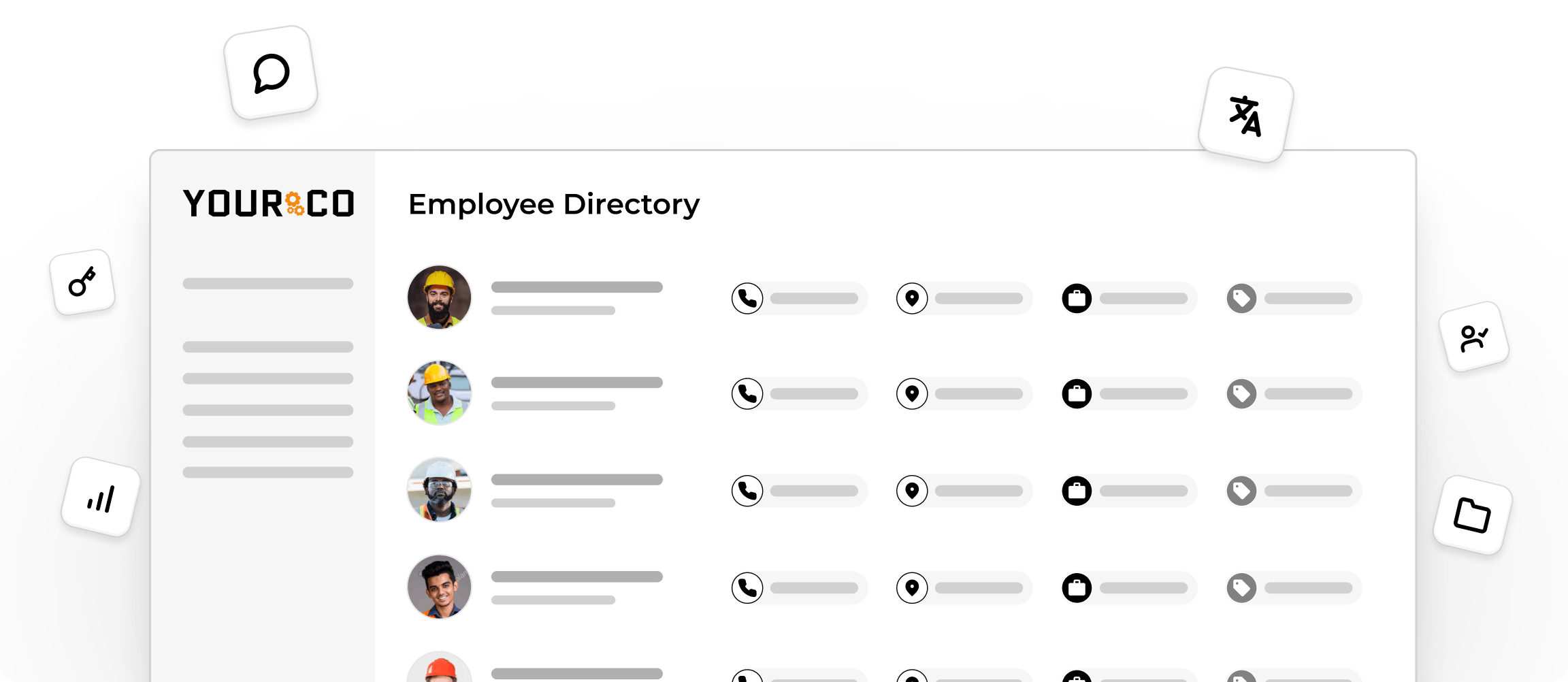
- Real-time status dashboards: At-a-glance views showing completion rates by employee, team, location, and document type
- Role-based access controls: Granular permissions ensuring site managers see only their team's documents while regional HR sees the full picture
- Mobile-first upload capability: Smartphone camera capture and direct submission for workers who never touch a desktop
- Retention policy automation: Scheduled archival and disposition by document type aligned to federal and state requirements
Any system missing these core capabilities will leave compliance gaps in a frontline environment.
Tip 3: Compare Document Tracking Approaches Before Committing
The document-tracking market is divided into several categories, and choosing the wrong one for your workforce creates gaps that no feature list can fix. Start your evaluation with the access question: Can your workforce actually reach the tool?
Modern systems increasingly use AI-driven classification and automated metadata tagging to reduce manual filing. These capabilities matter only if workers can actually submit documents in the first place.
Tip 4: Reach Workers Who Don't Have Desks, Email, or Apps
The biggest barrier to tracking employee document submissions is not the software. It is reaching the people who need to submit. Research indicates that many HR professionals report that frontline workers access HR resources from personal devices, adding variability in which portals workers can or will navigate.
In many manufacturing environments, workers do not have their own devices on the floor and rely on shared computers for submissions. Systems that require app downloads, corporate email addresses, or desktop access structurally exclude the workers most subject to regulatory documentation requirements. According to a Yourco-commissioned survey of 150 HR leaders, 91% say SMS increases frontline employee response rates, making it the most practical channel for document collection across distributed teams. Any tracking system you choose needs to meet workers where they already are: on their personal phones, via the simplest possible channel.
Tip 5: Automate Reminder Sequences That Escalate Before Deadlines
Manual follow-ups don't scale. When you're tracking OSHA certifications, CDL renewals, food handler permits, and policy acknowledgments across hundreds of frontline workers, the math breaks down fast. An effective automated reminder architecture uses a structured escalation cadence:
- Early notice: Employee receives an initial awareness notification
- Manager notice: Employee and direct manager both receive alerts, so the renewal process can begin
- HR notice: Employee, manager, and HR all receive alerts confirming renewal is in progress
- Escalation notice: HR and department leadership receive an alert to verify that the renewal has been submitted
- Final notice: All stakeholders receive a high-priority notification before the deadline passes
The critical detail most systems miss is channel mapping. Reminder channel selection cannot be applied uniformly because workers on a factory floor during a long shift will not check their email. Routing reminders through SMS reaches workers regardless of shift timing or device access.
Tip 6: Build Audit-Ready Records Without Extra Paperwork
When OSHA conducts an inspection, you may need to show who submitted which document, when it was approved, and who reviewed it. Paper files and shared drives cannot satisfy this evidentiary need.
Your document tracking system should automatically generate an immutable record every time a worker submits a document, a manager approves it, or anyone accesses the file. These timestamped logs serve as your safety records without requiring anyone to manually update a spreadsheet. Exportable compliance reports formatted for specific regulatory requests eliminate the scramble when a regulator calls. The system should let you pull a complete audit package on demand, filtered by location, document type, or employee.
Tip 7: Assign Documents Dynamically Based on Role and Location
Static, one-size-fits-all document checklists create two problems: frontline workers get assigned requirements that don't apply to their role, and workers in different jurisdictions miss location-specific requirements. Both outcomes reduce completion rates and create compliance blind spots.
A document-tracking system should dynamically generate checklists based on each worker's role, physical location, department, and hire type. A forklift operator in one state has different certification requirements than a healthcare aide in another. Automated assignment by role and location removes a manual point of failure that compounds across multi-site operations. When regulatory requirements change, the system should reactivate affected checklists and notify impacted employees rather than relying on an HR coordinator to remember to update every location.
Track Every Document Submission Instantly With Yourco
Tracking employee document submissions should not require manual follow-ups, scattered email chains, or last-minute audit scrambles. Yourco's research also found that 93% of HR leaders believe clear communication reduces workplace incidents, and the same principle applies to compliance documentation: when workers receive clear, accessible requests through a channel they actually use, submission rates rise and gaps close before auditors arrive.
Yourco gives HR and operations teams a direct line to every frontline worker for document submission tracking, reminders, and two-way confirmation, all through SMS on any phone. Workers snap a photo of a certification and text it. They reply "YES" to confirm a policy acknowledgment, and that response is automatically timestamped and linked to their employee record. No app download. No portal login. No training required. Core capabilities include:
- SMS to any phone, including basic flip phones, with no app or Wi-Fi required
- Two-way messaging so workers can submit documents, ask questions, and confirm receipt via text
- AI-powered translation across 135+ languages and dialects, ensuring multilingual workers receive requests in their preferred language
Yourco connects with 240+ HRIS and payroll systems, automatically syncing new hires, role changes, and terminations so document assignments stay current without manual updates. Enterprise Bridge enables corporate leadership to send centralized, one-way updates on document deadlines across all locations, while local managers maintain direct communication with their teams.
Frontline Intelligence gives HR and operations leadership centralized visibility into document submission status across all locations. Leadership can track completion rates by site or department, identify which locations have the lowest certification submission rates, and generate AI-powered reports that surface gaps requiring follow-up before they become audit findings.
"We have nearly 700 employees and 80% are non-desk based, communication is a challenge. Yourco provides a quick easy way to reach everyone and a secure way for employees to reach HR and leadership without a computer."
— Felisha Parker, VP Human Resources, McCarthy Auto Group
After 90 days on Yourco, companies see two-way employee engagement reach 86%.
Try Yourco for free today, or schedule a demo to see the difference the right workplace communication solution can make for your company.
Frequently Asked Questions about Using Predictive Workforce Analytics
What is the best way to track employee document submissions?
The best approach combines automated reminders, real-time status dashboards, and a submission channel workers can actually access. For frontline teams without desktop or email access, SMS-based platforms like Yourco let workers submit documents and confirmations via text on any phone, automatically creating timestamped compliance records.
How do automated document reminders reduce compliance risk?
Automated reminders send escalating notifications before certifications and documents expire, routing alerts to the employee, their manager, and HR on a set cadence. This prevents the common failure in which documentation gaps are discovered only during audits rather than in normal operations.
What features should an HR document tracking system include?
Essential features include automated expiration reminders, tamper-evident audit trails, real-time status dashboards with role-based views, mobile-first document upload, retention policy automation, and dynamic checklists that adjust by role and location. Systems lacking these capabilities leave compliance gaps in frontline environments.
How can frontline workers submit documents without a computer?
Workers can use smartphone cameras to capture documents and submit them directly through mobile-friendly channels. The simplest option is SMS-based submission, which works on any phone, including basic devices, requires no app or account setup, and costs employees nothing to use.
Why do spreadsheets fail for tracking employee documents?
Spreadsheets rely on manual updates, have no built-in version control, and cannot send automated reminders or generate audit trails. As hiring volume increases, multiple versions circulate, updates get missed, and HR loses visibility into who has and has not submitted required documents, typically discovering gaps only when a regulator requests records.