
Clear and concise employee communication directly impacts productivity, satisfaction, and retention. Yet too many workers, especially those on the frontline, are left out of the loop by outdated communication methods. In this guide, we cover how to build a stronger internal communication program, which tools actually reach frontline employees, and what to look for in an employee communication platform.
An internal communication program is a communication strategy to effectively communicate with your employees. If you do this effectively, your people will know what they need to do and, crucially, why they’re doing it. Typically, internal communication programs include guidelines for the following:
The first step is to clarify what your team wants the program to accomplish. In a broad sense, your communication program should ensure that every team member gets the information they need to perform at their highest level, without being buried in irrelevant noise. Start by evaluating how your current communication performs and identify opportunities for improvement.
A highly effective method is to adopt a storytelling approach and create a core narrative that gets everyone on the same page. This helps align your team and streamline communication.
Consider these best practices for a more effective internal communications program:
Effective employee communications programs deliver measurable business results:
• Boost employee engagement and productivity: A McKinsey study found that effective communication improves productivity by up to 25% when team members feel connected and aligned.
• Improve the employee experience and increase retention: The Achievers Workforce Institute’s 2024 Engagement and Retention report shows that 72% of employees would rather stay at a job where they feel valued than take a role that pays 30% more.
• Increase efficiency: 15% of employees’ total work time is wasted due to inefficient communication.
• Save money. Research shows that businesses could recoup over $10,000 per employee per year with more efficient communications.
Beyond these outcomes, a solid communication program clarifies what types of information get communicated, who receives which information, and which channels team members should use.
Organizations generate huge amounts of information, but not all of it helps employees do their jobs. An effective communication plan prioritizes information based on operational impact, so teams get what they need without being overwhelmed by irrelevant updates.
Transparency is important, but data overload hurts performance. Different roles such as frontline workers, managers, office staff, and non-desk employees need different information. Segmented messaging by role, location, shift, or department keeps messages relevant and reduces noise.
How information is delivered matters as much as what is shared. Unstructured email, calls, and chat messages often bury critical updates. Clear channel guidelines help cut through the clutter. For non-desk teams, SMS works especially well because it reaches any phone without apps or internet access and delivers higher read and response rates.
An internal communication tool is any hardware or software that enables team members to write, send, receive, read, and reply to communications. Common tools in most organizations include desk phones, company-issued cell phones, desktop computers, laptops, tablets, email, messaging platforms, video call services, and texting.
Effective communication also relies on IT infrastructure like reliable internet, data storage, and security firewalls, along with the human element of ongoing training and development.
When auditing your internal communication systems, consider all the tools employees have at their disposal and whether they are actually using them.
Are frontline employees expected to receive messages through an app, even if they work in areas with spotty reception or do not have smartphones?
Often, dedicating specific tools to specific purposes cuts down on redundancy and confusion. For frontline teams, SMS stands out because it does not require internet access, an app download, or a specific device type.
Employee communication software refers to programs that enable your team to send messages and documents to one another. Common platforms include chat applications, internal email systems, and collaboration tools. These platforms do more than facilitate discussion. They also store information, creating documentation trails for compliance and dispute resolution.
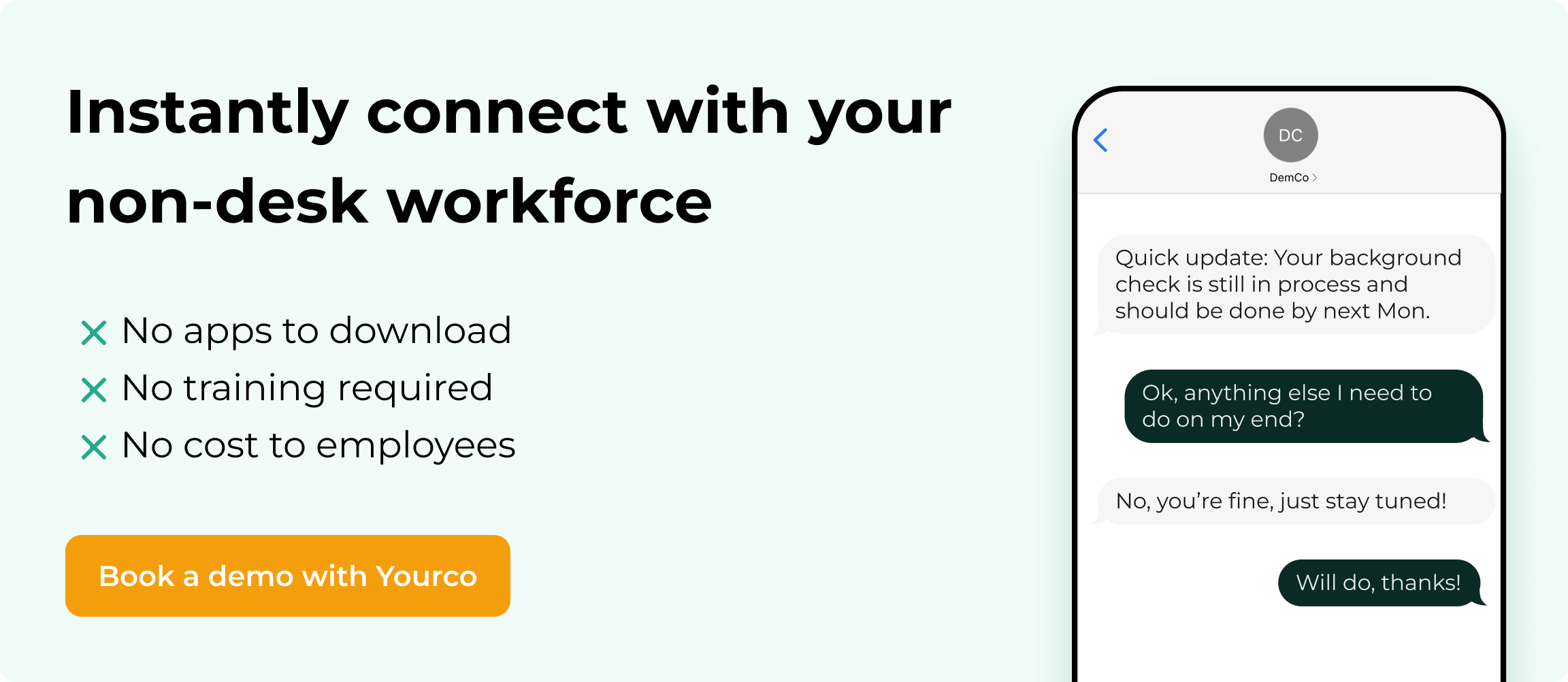
For non-desk employees, the advantages of SMS-based communication are significant. Your team does not have to use personal data plans or download extra apps, which means they are more likely to engage with and respond to your messaging. SMS-based communication platforms built for employee communication offer additional capabilities that make administration simple:
Employee communication apps are software programs that enable users to speak to, write, and share files with one another. There are typically two types:
Both types present challenges for frontline workers. Browser-based tools require reliable internet access, which many field and shift workers do not have. Downloaded apps require smartphones, data plans, and technical comfort. SMS-based platforms sidestep these barriers entirely by using the one technology virtually every employee already has and knows how to use: text messaging.
While communication apps can be useful in the right situations, they have real limitations, especially for reaching non-desk workers:
In fact, Statista reports that 10% of US adults do not own a smartphone. For organizations with large frontline workforces, the percentage of employees without smartphones or reliable data access is often much higher.
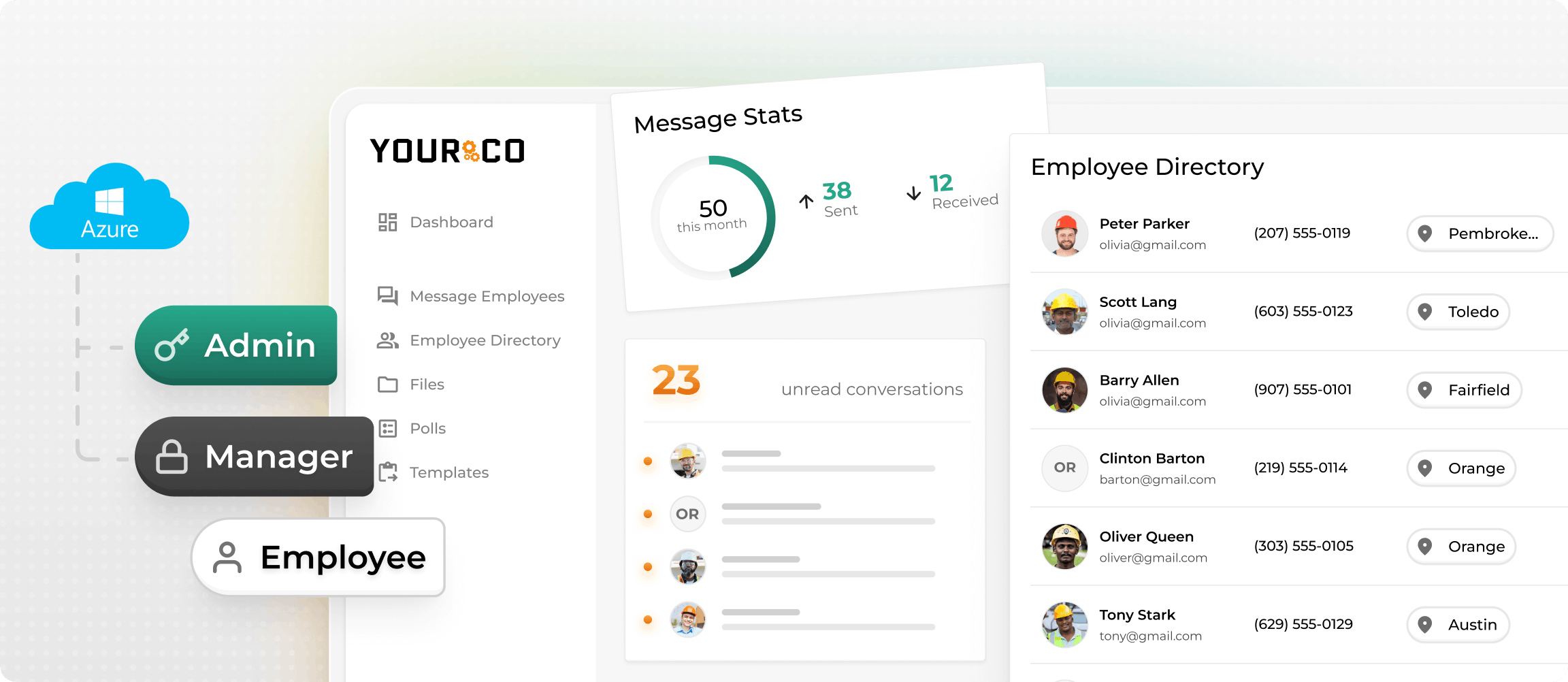
Yourco platform combines the simplicity of texting with the power of enterprise communication tools. Employees experience communication as a regular text conversation.
Yourco’s Frontline Intelligence turns everyday SMS interactions into real-time insights on engagement, safety signals, sentiment trends, and workforce risks, giving leaders visibility they have never had before. Every message is archived with full audit trails for compliance, and enterprise-grade security with SOC 2 compliance keeps your data protected.
Try Yourco for free today or schedule a demo and see the difference the right workplace communication solution can make in your company.
Most employee apps require smartphones, downloads, and internet access, which many non-desk workers do not have. SMS-based platforms send messages directly as texts, so employees can receive and respond instantly on any phone without downloading anything or creating an account.
Traditional apps are built for desk workers and require logins, downloads, and constant connectivity. SMS-based communication works on any phone, reaches employees without email or apps, supports 135+ languages, and achieves far higher read rates, making it better suited for non-desk teams.
Yes. SMS platforms integrate with HRIS and payroll systems to automatically sync employee data like roles, locations, and contact details, eliminating manual list management and keeping communications up to date.
Key metrics include delivery rates, read rates, response rates, and overall workforce reach. The most important measure for non-desk teams is how many employees actually receive messages, not just how many are sent.
Yes. Purpose-built SMS platforms offer SOC 2 compliance, message archiving, audit trails, role-based access controls, and secure document sharing, making them suitable for regulated environments despite SMS not being end-to-end encrypted.